How to Start a Blog in India in 2026: Hosting, Domain and SSL
_1767166944.jpg?tr=w-80,h-80,c-force)
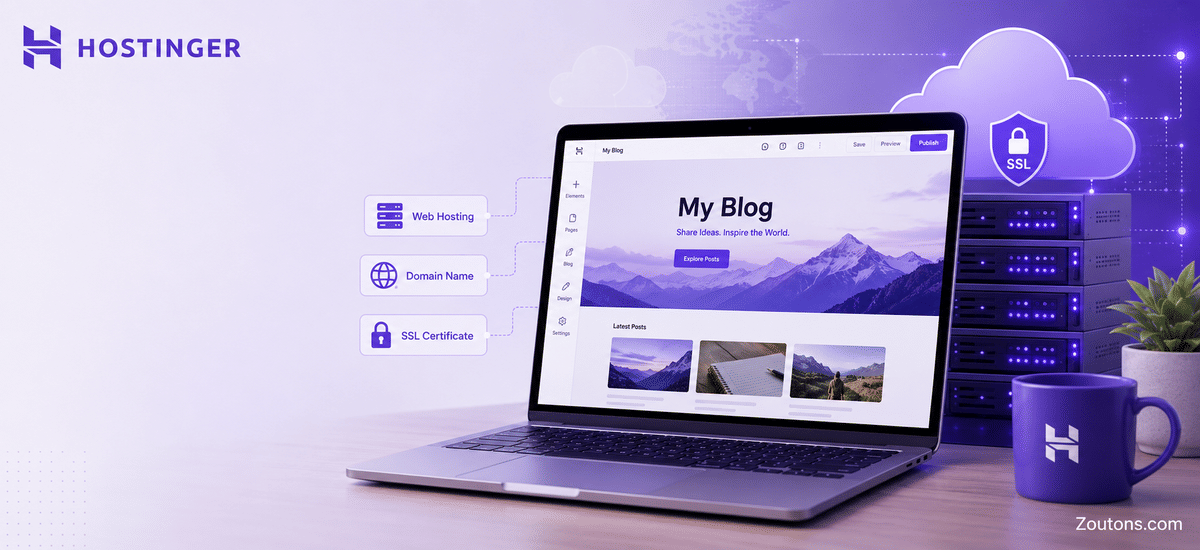
Starting a blog in India has never been more approachable than it is in 2026, and the late-June monsoon weeks are a quietly perfect time to begin. The rain keeps you indoors, the festive shopping season is still months away, and the three things you actually need to launch are cheaper than most people expect: hosting, a domain name and an SSL certificate. Hostinger has become a default first choice for Indian beginners precisely because it folds all three into a single plan instead of charging for them separately.
This guide breaks down exactly how to go from idea to live blog without the usual confusion. We cover what hosting, a domain and SSL really mean, how Hostinger's 2026 pricing and discounts work, a plain step-by-step setup using one-click WordPress, and a comparison of the main plans so you can match one to your budget. By the end you will know what to buy, roughly what it costs in rupees, and how to avoid paying more than you should.
- Up to 83 percent off hosting plans for new users on longer 12-month and multi-year terms
- Entry pricing from around Rs. 69 per month on the 4-year Single shared plan
- Free domain for the first year and free SSL certificate included with eligible plans
- One-click WordPress install plus a 30-day money-back guarantee for first-time buyers
- Hostinger Horizons AI app builder available for those who want to build apps, not just blogs
The Three Building Blocks: Hosting, Domain and SSL Explained
Before you compare prices, it helps to understand what you are actually buying. Every blog in India needs three things to go live, and Hostinger's appeal is that it bundles all of them so beginners do not have to stitch services together from different providers.
What each one does
- Hosting: the server space where your blog's files, images and posts live, so anyone can open your site at any time
- Domain: your blog's address, such as yourname.in or yourname.com, that readers type into the browser
- SSL: the security certificate that turns your address into the padlocked https version, which Google and AdSense both expect in 2026
On its own, a domain in India typically costs a few hundred to a couple of thousand rupees a year, and a standalone SSL can add more. Hostinger removes both of those line items for the first year on eligible plans, which is why the headline monthly price tells most of the story for a beginner.
Hostinger Hosting Pricing in India for 2026
Hostinger's 2026 promotion gives new users up to 83 percent off shared and WordPress hosting, with the lowest per-month price reserved for the longest terms. Entry pricing starts at around Rs. 69 per month on the 4-year Single plan, while the more popular Premium plan sits a little higher and adds room for multiple sites. Prices below are indicative promotional rates for new accounts and renew at higher standard rates, so always confirm the live figure at checkout.
| Plan | Best for | From (per month) | Free domain + SSL |
|---|---|---|---|
| Single Shared | One small starter blog | Around Rs. 69 | SSL free, domain on longer terms |
| Premium Shared | Most new bloggers | Around Rs. 139 | Yes, both included |
| Business Shared | Growing blog with traffic | Around Rs. 249 | Yes, both included |
| Cloud Startup | High-traffic or multiple blogs | Around Rs. 699 | Yes, both included |
| Hostinger Horizons | Building an AI app, not a blog | Varies by plan | Add-on dependent |
For a first blog, the Premium plan is the usual sweet spot because it reliably includes the free first-year domain and SSL, supports multiple websites, and still lands at a beginner budget on a 12-month or longer term.
Step-by-Step: Launching Your Blog on Hostinger
Once you have chosen a plan, getting from purchase to a live blog is genuinely a same-evening task. Here is the order most Indian beginners follow in 2026.
- Pick your niche and a brandable name, then check domain availability during Hostinger signup
- Choose a plan on a 12-month or longer term to unlock the deepest discount and the free domain
- Claim your free domain (a .in or .com both work well for Indian readers) and let SSL activate automatically
- Use the one-click WordPress installer from the Hostinger control panel, hPanel
- Pick a lightweight theme, then add core pages: Home, About, Contact and a Privacy Policy
- Install basic SEO and caching plugins, then connect Google Search Console and GA4 before you publish
If you also want an Indian data centre for faster local load times, choose that region during setup. Monsoon evenings indoors are an ideal window to knock out this checklist in one sitting.
Free Domain, Free SSL and Why You Should Skip Free Hosting
The single biggest beginner mistake is choosing free hosting to save money. It almost always costs more in the long run through slow speeds, forced ads, frequent downtime and missing security. Hostinger's paid plans avoid all of that while still keeping the first-year domain and SSL free.
What you give up with free hosting
- Overcrowded servers that cause slow loading and hurt your Core Web Vitals and Google rankings
- Forced third-party ads placed on your blog that you cannot remove or earn from
- Weak or missing SSL, daily backups and server-level caching
- Little to no support, which is painful when something breaks and you are new
Paying a small monthly fee for proper NVMe-based hosting with free SSL and a free domain is what makes AdSense approval, SEO and reliable uptime realistic for an Indian blog in 2026.
Getting the Best Hostinger Deal Before You Pay
Hostinger's pricing moves with ongoing promotions, so the figure you see today may differ next week. A little patience and the right coupon can meaningfully cut your first invoice, especially on longer terms where the discount and free domain are concentrated.
- Always select a 12-month or multi-year term to access the up to 83 percent off rate and the free domain
- Apply a verified coupon code at checkout rather than paying the listed price directly
- Use the 30-day money-back guarantee as a safety net if you change your mind early
- Check the Zoutons Hostinger coupon page at zoutons.com/hostinger-coupons for current working offers before you confirm payment
A two-minute coupon check is the easiest saving you will make in the entire setup, so treat it as the final step before you click pay.