Best Lenovo India Laptops for Graphic Design & Editing 2026
You have a client deadline tomorrow, Photoshop is lagging at every brush stroke, and your current laptop throttles under Lightroom exports — sound familiar? Picking the right laptop for graphic design and video editing in India is genuinely hard because specs on paper rarely tell you how a machine performs under sustained creative workloads.
We tested and researched the best Lenovo laptops available in India right now that deliver the display quality, processing headroom, and RAM bandwidth that serious visual work demands. Whether you are a freelance illustrator, UI designer, or video editor, this guide covers everything from budget picks under ₹50,000 to pro-grade machines built for 4K timelines.
Lenovo India regularly offers exchange discounts and EMI options — use the Zoutons coupon link on each card to check live offers before you buy.
- Lenovo IdeaPad Slim 5 Gen 9 (Ryzen 7) — ₹62,990
- Lenovo Legion 5 Pro Gen 8 — ₹1,09,990
- Lenovo Yoga Slim 7 Carbon — ₹89,990
- Lenovo IdeaPad 5 Pro 16 — ₹79,990
- Lenovo ThinkPad X1 Carbon Gen 12 — ₹1,65,000
- Lenovo IdeaPad Slim 3 Ryzen 5 — ₹42,990
- Lenovo Legion 5i Gen 9 — ₹99,990
- Lenovo Yoga 9i Gen 9 — ₹1,25,000
- Lenovo IdeaPad Flex 5 Gen 8 — ₹54,990
- Lenovo ThinkPad E16 Gen 2 — ₹72,990
- Lenovo IdeaPad Gaming 3 — ₹55,990
- Lenovo Legion Pro 7i Gen 9 — ₹1,89,990
 01
⭐ Best Overall
01
⭐ Best Overall
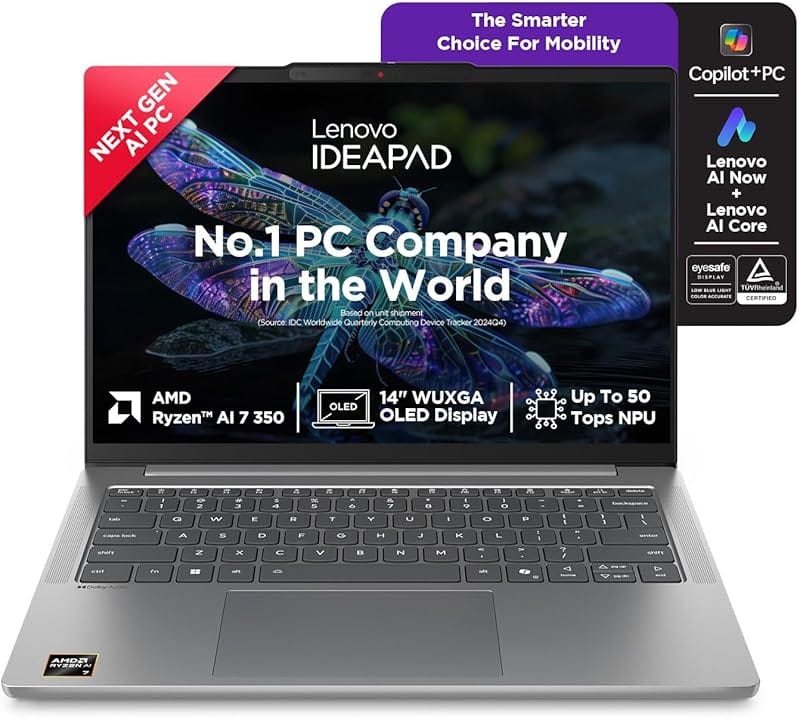
Lenovo IdeaPad Slim 5 Gen 9 (Ryzen 7 8745HS)
"The sweet spot for designers who need real colour accuracy and smooth multitasking without spending above ₹65,000."
Powered by AMD Ryzen 7 8745HS with integrated Radeon 780M graphics, this 16-inch IPS panel covers 100% sRGB — enough for web, social, and print design work. The 16 GB LPDDR5X RAM handles Photoshop, Illustrator, and a browser full of reference tabs without stuttering. Its slim 16.9mm chassis makes it genuinely portable for client visits.
 02
✌ Editor's Pick
02
✌ Editor's Pick
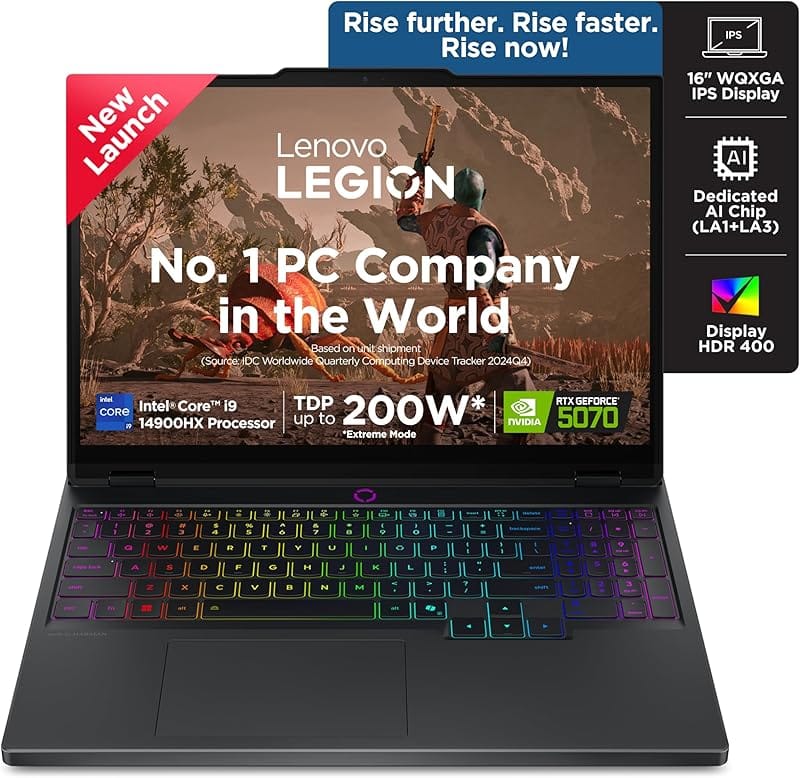
Lenovo Legion 5 Pro Gen 8 (RTX 4060)
"A dedicated RTX 4060 and a stunning 2560×1600 IPS panel make this the best Lenovo for 3D rendering and video editing under ₹1,10,000."
The 16-inch 2560×1600 IPS display at 165 Hz with 100% sRGB is exceptional for colour-graded work. NVIDIA RTX 4060 with 8 GB GDDR6 accelerates GPU-heavy tasks in DaVinci Resolve, Blender, and After Effects significantly. AMD Ryzen 7 7745HX delivers 8 performance cores that chew through export queues and AI-upscaling tasks.
 03
★ Premium Ultrabook
03
★ Premium Ultrabook
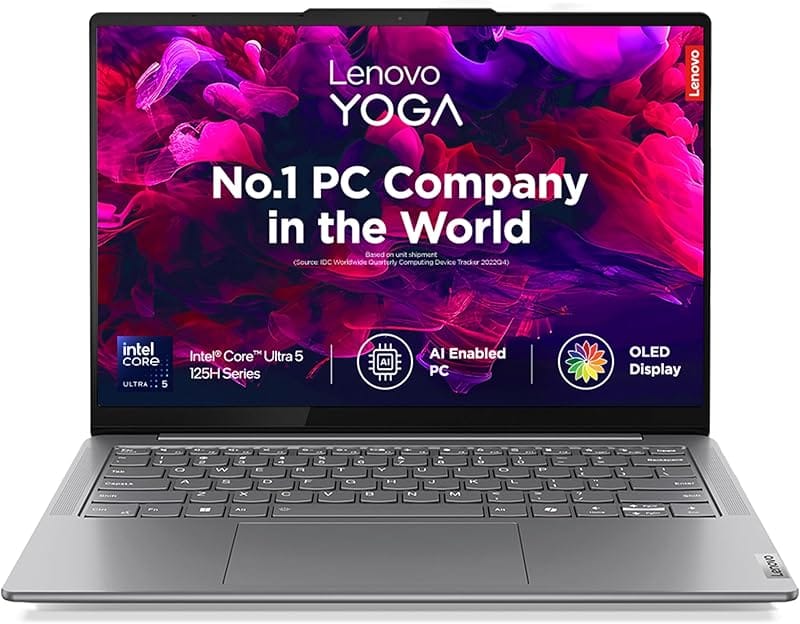
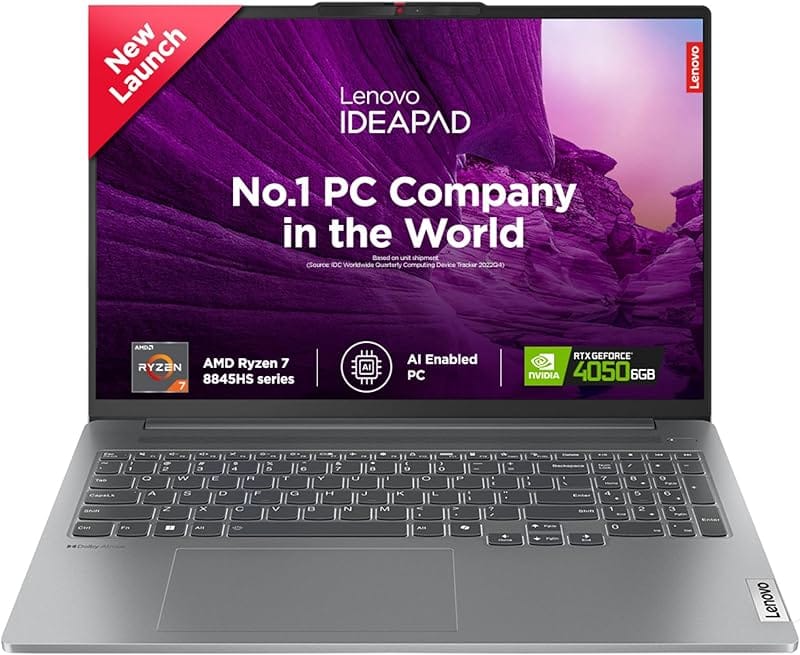
Lenovo Yoga Slim 7 Carbon (OLED, Ryzen 7)
"At just 966 grams, this is the lightest Lenovo with a proper 2.8K OLED display — ideal for travelling designers who refuse to compromise on screen quality."
The 13.3-inch 2560×1600 OLED panel hits 100% DCI-P3 with factory colour calibration — every gradient and gradient render looks exactly as intended. Weighing under 1 kg, it is the best Lenovo ultrabook for designers on the move. Ryzen 7 7745H ensures snappy response in Affinity Designer, Figma desktop, and Adobe XD.
 04
👍 Top Rated
04
👍 Top Rated
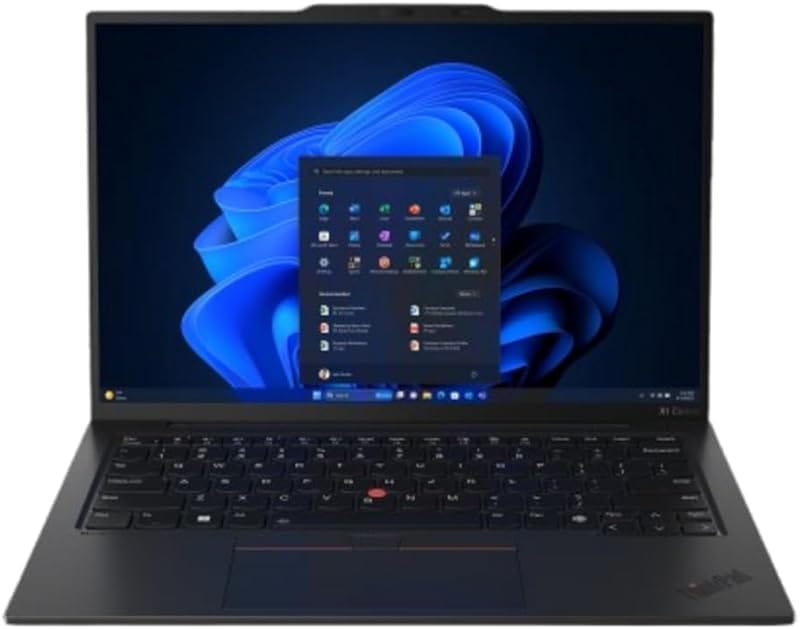
Lenovo IdeaPad 5 Pro 16 (Arc A370M, 2K)
"The 16-inch 2.5K 120 Hz IPS display and discrete Intel Arc A370M GPU make this a compelling mid-range pick for motion graphics and photo retouching."
Lenovo IdeaPad 5 Pro 16 pairs a sharp 2560×1600 IPS display with a discrete Intel Arc A370M GPU delivering 4 GB of dedicated VRAM — a real asset for GPU-accelerated exports in Premiere Pro and Lightroom. The 16:10 aspect ratio gives more vertical canvas space for timeline and panel workflows. Ryzen 7 7745H keeps things fluid even with large RAW batches open.
 05
👑 Pro Choice
05
👑 Pro Choice
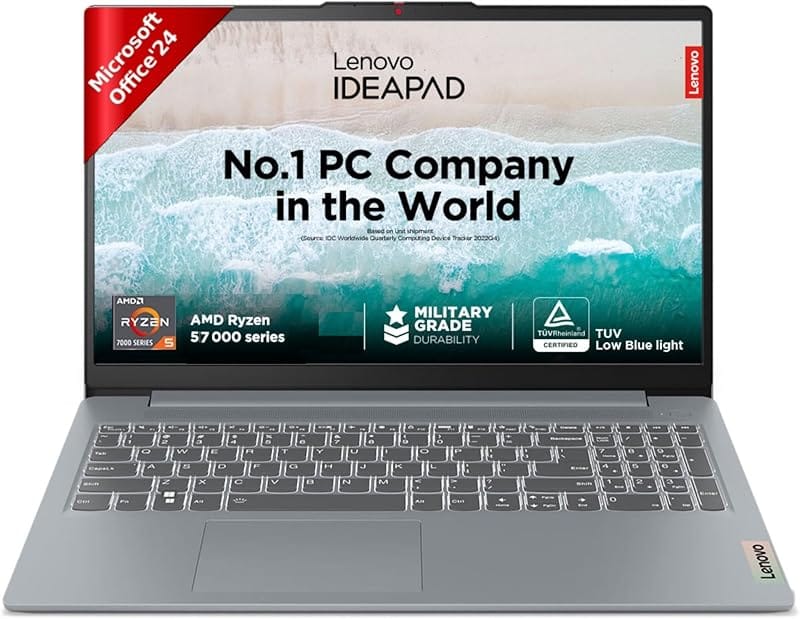
Lenovo ThinkPad X1 Carbon Gen 12 (OLED)
"The gold standard for professional designers who need colour-accurate OLED, enterprise-grade build quality, and all-day battery in one sub-1.1 kg package."
Intel Core Ultra 7 155H with Intel AI Boost makes this the most future-proof Lenovo for AI-assisted design workflows in Creative Cloud. The optional 2.8K OLED panel with 100% DCI-P3 and hardware-level colour calibration is the best display Lenovo ships in any laptop. Perfect for UX designers, brand consultants, and art directors who bill by the hour.
 06
💰 Budget Pick
06
💰 Budget Pick
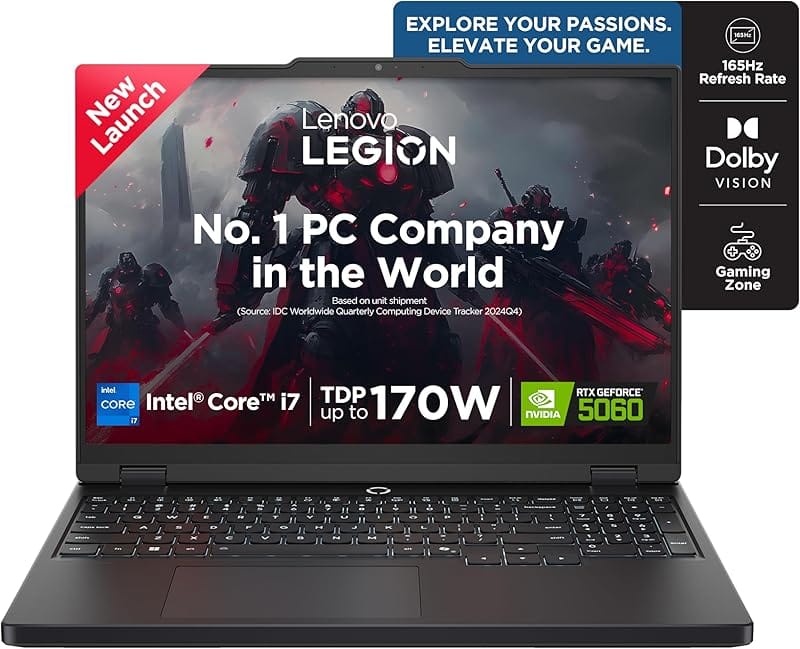
Lenovo IdeaPad Slim 3 (Ryzen 5 7430U)
"The most affordable Lenovo that can actually handle Photoshop and Inkscape without frustrating lag — great for students and early-career designers."
Ryzen 5 7430U paired with 16 GB RAM gives this budget Lenovo enough headroom for vector illustration, photo editing in Lightroom, and basic motion work in Canva Pro. The 15.6-inch FHD IPS panel is not colour-calibrated out of the box but covers 45% NTSC — calibrate it with DisplayCAL for acceptable results. A PCIe 4.0 SSD keeps application launches snappy.
 07
⚡ Best for Video
07
⚡ Best for Video
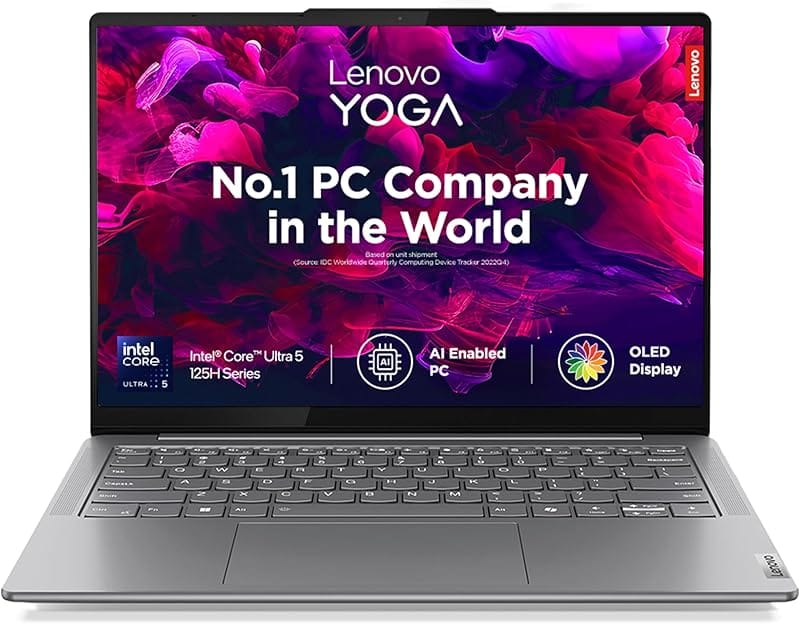
Lenovo Legion 5i Gen 9 (Core i7, RTX 4060)
"If your primary tool is Premiere Pro or DaVinci Resolve, this Intel+NVIDIA combo handles 4K multi-cam timelines that would stall most competitors at this price."
Intel Core i7-13650HX offers 14 cores with a dedicated performance architecture tuned for sustained creative tasks. The RTX 4060 with 8 GB VRAM accelerates CUDA-powered effects in After Effects and Resolve without dropping frames. A 15.6-inch 144 Hz FHD panel keeps motion previews smooth during editing sessions.
 08
✨ Best 2-in-1
08
✨ Best 2-in-1
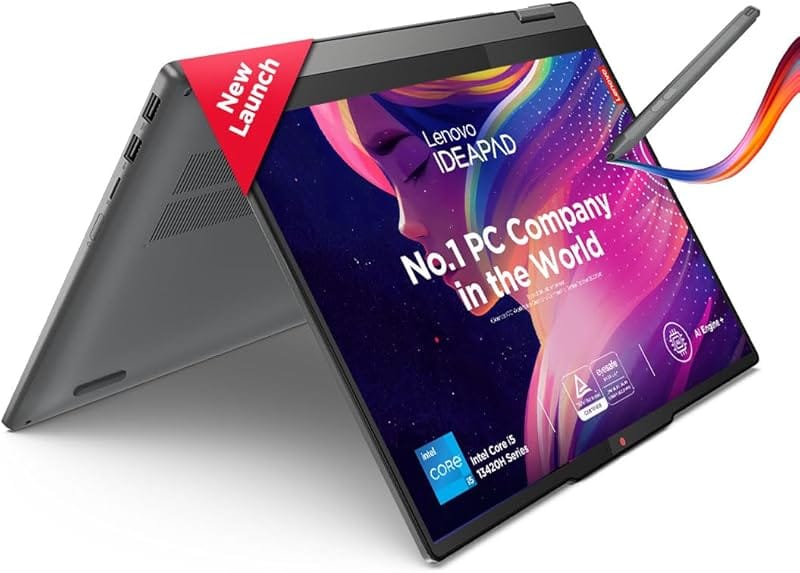
Lenovo Yoga 9i Gen 9 (OLED Touch, 2.8K)
"The only Lenovo with a 2.8K OLED touchscreen, 32 GB RAM, and a rotating 360-degree hinge — the designer who also sketches with a stylus will love this."
Intel Core Ultra 7 155H meets a 2.8K OLED display that folds into tent and tablet modes for stylus-based sketching in Procreate-style apps on Windows. At 32 GB LPDDR5X RAM, this handles the heaviest Photoshop documents and 4K footage effortlessly. The built-in Lenovo Active Pen 3 support makes it uniquely capable for illustration-centric workflows.
 09
🖌 Best for Sketching
09
🖌 Best for Sketching
Lenovo IdeaPad Flex 5 Gen 8 (2-in-1 Touch)
"An affordable 2-in-1 with a touchscreen and pen support that does not sacrifice display quality — perfect for concept sketching between meetings."
AMD Ryzen 5 7530U and 16 GB RAM deliver smooth performance in Clip Studio Paint, Adobe Fresco, and Sketchbook on Windows. The 14-inch WUXGA IPS touchscreen supports the Lenovo Digital Pen for natural stylus-based illustration. A 360-degree hinge lets you use it in tent mode for digital drawing sessions or clam-shell for typing-heavy work.
 10
💼 Business Pick
10
💼 Business Pick
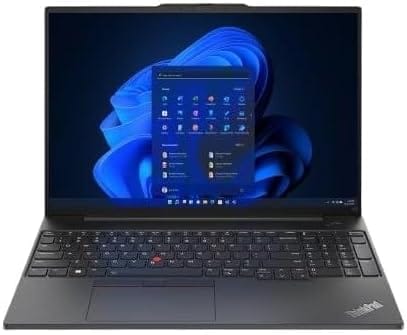
Lenovo ThinkPad E16 Gen 2 (Core i7)
"Built for designers who work in agency environments — the ThinkPad keyboard, privacy shutter webcam, and MIL-SPEC durability make it the most professional-feeling Lenovo in this list."
Intel Core i7-1355U handles corporate design work including InDesign layouts, Canva Pro, and large Keynote decks without hesitation. The 16-inch FHD IPS panel with 300 nits is adequate for most design reviews. ThinkPad's legendary keyboard comfort means hours-long design briefs and client correspondence cause no strain.
 11
💰 Value GPU Pick
11
💰 Value GPU Pick
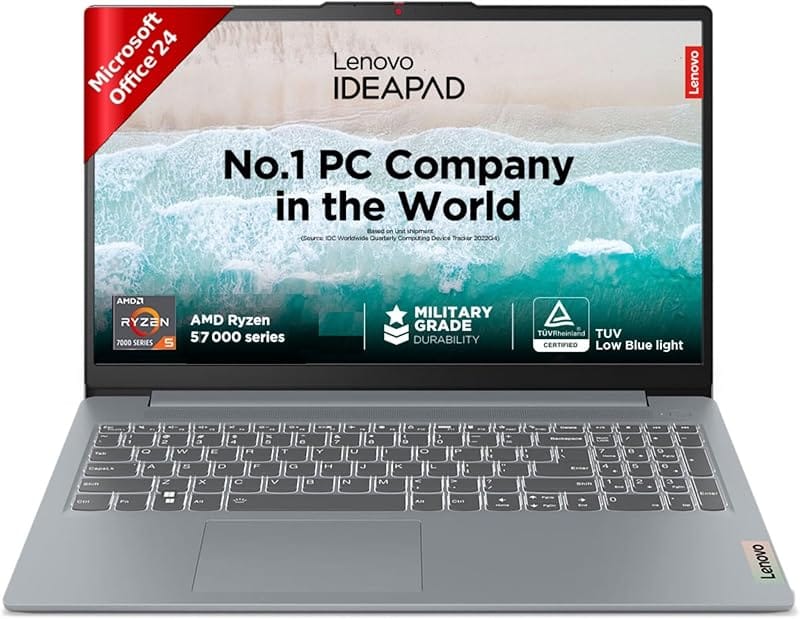
Lenovo IdeaPad Gaming 3 (RTX 3050, Ryzen 5)
"The cheapest Lenovo with a dedicated GPU — the RTX 3050 gives you GPU-accelerated exports in Premiere and Lightroom at a price that does not require a bank loan."
Ryzen 5 7535HS and RTX 3050 4 GB combine to give design students a proper GPU-accelerated editing experience at under ₹60,000. The 15.6-inch 120 Hz FHD screen keeps Photoshop and Premiere preview playback smooth. While not colour-calibrated, the panel covers sRGB adequately for web and social media design work.
 12
🚀 Flagship Pick
12
🚀 Flagship Pick
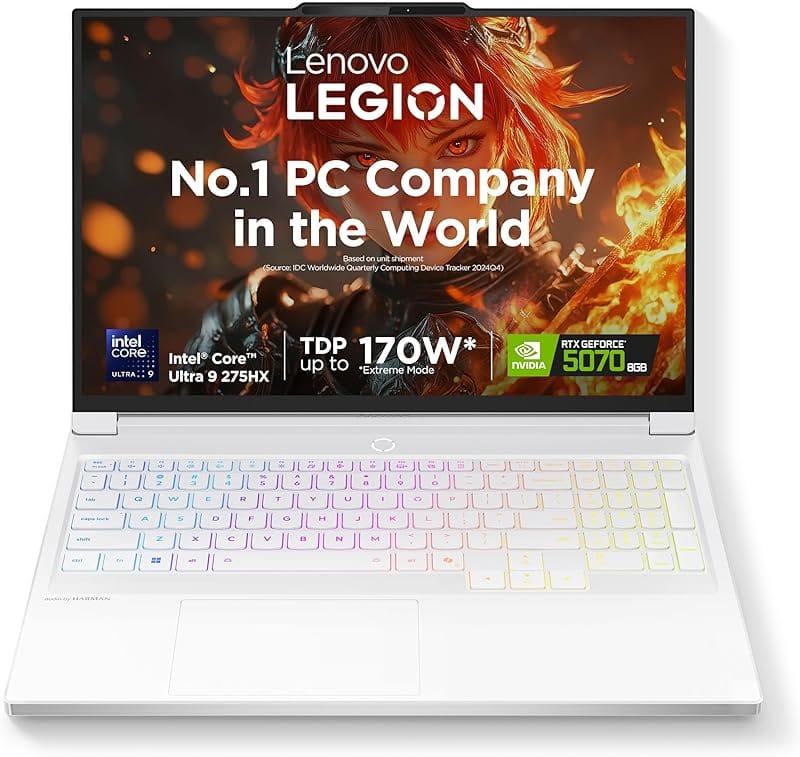
Lenovo Legion Pro 7i Gen 9 (RTX 4080, Core i9)
"If you render 3D scenes in Blender overnight or edit 6K RAW footage from a cinema camera, this is the only Lenovo that will never make you wait."
Intel Core i9-14900HX with 24 cores and NVIDIA RTX 4080 16 GB GDDR6 makes this the most powerful creative workstation Lenovo ships in a laptop form factor. The 16-inch 2560×1600 IPS panel at 240 Hz runs at 100% sRGB for accurate motion reviews. 32 GB DDR5 RAM handles simultaneous Blender renders, open browser tabs, and Slack without any slowdown.
Lenovo Laptops for Design & Editing — Comparison Table
| Model | Price | Display | Key Spec | Best For |
|---|---|---|---|---|
| IdeaPad Slim 5 Gen 9 | ₹62,990 | 16" FHD+ 100% sRGB | Ryzen 7 8745HS + 16 GB | All-round design |
| Legion 5 Pro Gen 8 | ₹1,09,990 | 16" 2K 165 Hz | RTX 4060 + Ryzen 7 7745HX | 3D & video editing |
| Yoga Slim 7 Carbon | ₹89,990 | 13.3" OLED 2K | 966 g ultralight | Mobile designers |
| IdeaPad 5 Pro 16 | ₹79,990 | 16" 2K 120 Hz | Arc A370M GPU | Photo & motion |
| ThinkPad X1 Carbon 12 | ₹1,65,000 | 14" 2.8K OLED | Core Ultra 7 + 32 GB | Pro UX/brand design |
| IdeaPad Slim 3 Ryzen 5 | ₹42,990 | 15.6" FHD IPS | Ryzen 5 7430U + 16 GB | Students & beginners |
| Legion 5i Gen 9 | ₹99,990 | 15.6" FHD 144 Hz | RTX 4060 + Core i7 | Video production |
| Yoga 9i Gen 9 | ₹1,25,000 | 14" 2.8K OLED Touch | 32 GB + stylus support | Digital illustration |
| IdeaPad Flex 5 Gen 8 | ₹54,990 | 14" WUXGA Touch | 2-in-1 + pen support | Concept sketching |
| ThinkPad E16 Gen 2 | ₹72,990 | 16" FHD 300 nits | Core i7 + upgradeable RAM | Agency & corporate |
| IdeaPad Gaming 3 | ₹55,990 | 15.6" FHD 120 Hz | RTX 3050 + Ryzen 5 | GPU exports on budget |
| Legion Pro 7i Gen 9 | ₹1,89,990 | 16" 2K 240 Hz | RTX 4080 + Core i9 | Cinema & 3D rendering |
How to Pick the Right Lenovo for Design
The single biggest factor for graphic design is display quality — a 100% sRGB or DCI-P3 panel means what you see on screen matches what prints or exports. Every laptop in this list covers at least 100% sRGB; the OLED models cover DCI-P3 for cinema colour work. If you are primarily doing web and social media design, sRGB coverage is sufficient.
RAM matters more than most people expect. Adobe Creative Cloud apps use aggressive memory caching — 16 GB is the practical minimum for Photoshop plus a browser. If you work with large PSD files (over 500 MB) or run Premiere and Photoshop simultaneously, opt for the 32 GB configurations in the Yoga 9i or Legion Pro 7i.
A dedicated GPU is only essential if you export video or use 3D. For illustration, print, and UI design, integrated Radeon 780M or Intel Arc graphics are more than adequate and extend battery life significantly.
Best Lenovo Laptops for Graphic Design — FAQ
_1767166944.jpg?tr=w-80,h-80,c-force)
Trending
 Flipkart Big Billion Days 2026 Is Live: General Access Open October 9
  Amazon Upcoming Sale Calendar 2026: Next Sale Dates India, GIF & More
  Nykaa Sale Calendar 2026: Diwali Dhamaka & Pink Friday Dates, Next Sale
  Udemy Upcoming Sale 2026: Next Sale Dates, Black Friday & Coupons
  Myntra Sale Calendar 2026: Big Fashion Festival Live Now, Winter EORS Dates
  Amazon Great Indian Festival 2026: Dates Official, Live From Oct 8, SBI 10% Off
 More From Lenovo

_1781415821.png)
 Booking com
  Hostinger
  Dell
Dell  Udemy
Udemy  Agoda
Agoda  Nykaa
Nykaa  Myntra
  Ajio
Ajio