Lenovo Yoga Pro 7a Gen 11: Price, Specs & Review India 2026
_1776943697.jpg?tr=w-80,h-80,c-force)
Spending over a lakh on a laptop in India is a considered decision — and the promise that you're getting a genuinely premium machine, not just a premium price tag, is rarely fulfilled. The Lenovo Yoga Pro 7a Gen 11 is one of the few options that earns its asking price: it pairs AMD's Ryzen AI 9 HX 370 processor with an optional 3K OLED display and Wi-Fi 7 in a 1.36kg chassis that starts at approximately ₹1,09,990 in India. Whether you're a software developer, content creator, or executive road warrior, the hardware combination is genuinely compelling.
The "a" in Yoga Pro 7a signals AMD — which in Gen 11 means Strix Point architecture, AMD's XDNA 2 NPU delivering 50 TOPS for Copilot+ PC certification, and the powerful Radeon 890M integrated GPU. This isn't a rebadged mid-range chip — the Ryzen AI 9 HX 370 competes directly with Intel's Core Ultra 9 in sustained multi-threaded workloads, often outperforming it in thin-and-light form factors due to AMD's superior power efficiency curve. The top-spec model with 32GB LPDDR5X and 1TB PCIe Gen 4 SSD handles 4K video editing, heavy multitasking, and Python/ML workloads without breaking a sweat.
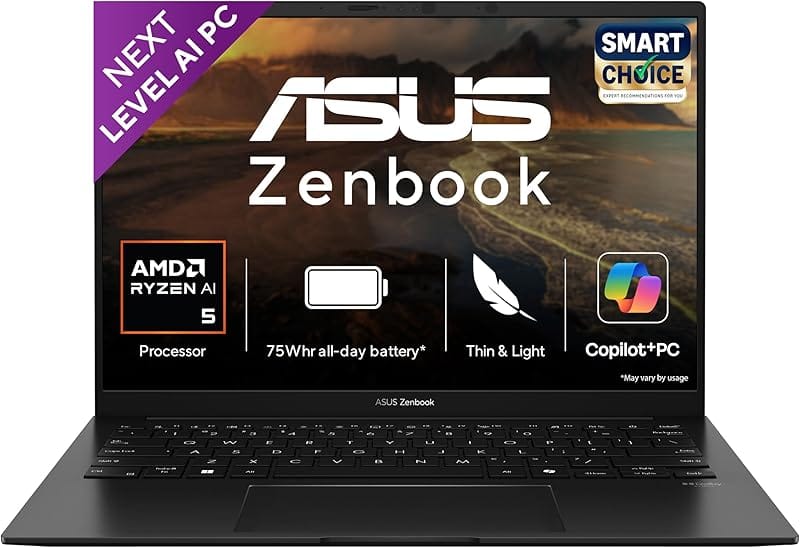
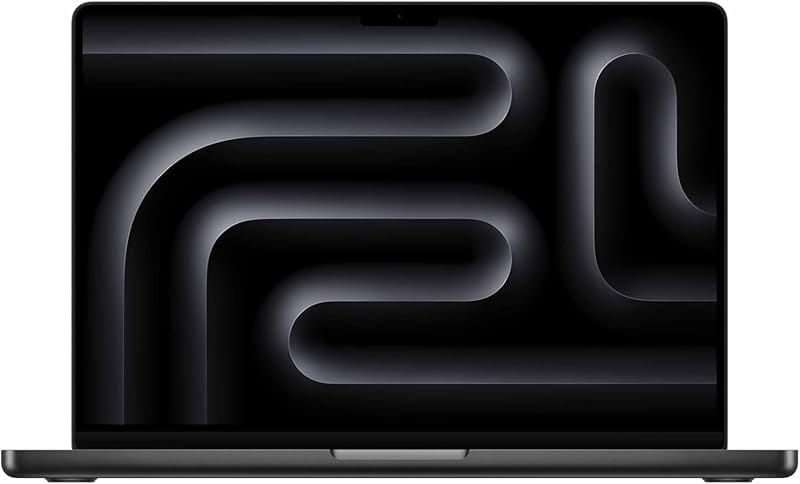
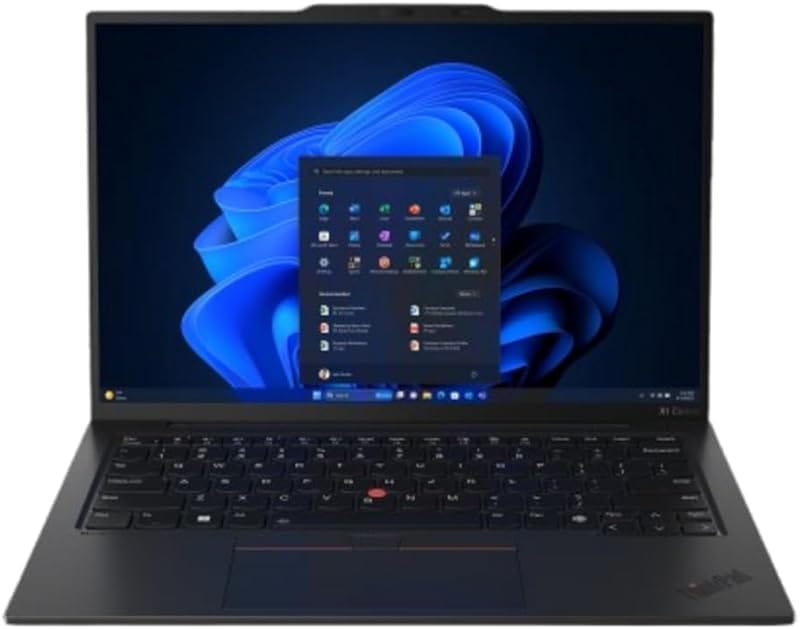
This review covers everything you need to make a buying decision: full specifications, real-world performance benchmarks, display quality, battery life testing, India pricing across all configurations, and a side-by-side comparison against HP Spectre x360 14, Dell XPS 15, ASUS Zenbook Pro 14, Apple MacBook Pro 14 M3, and the Lenovo ThinkPad X1 Carbon Gen 12.

Lenovo Yoga Pro 7a Gen 11 — Full Specifications India 2026
Here is the complete spec sheet for all configurations available in India:
| Processor | AMD Ryzen 7 8845HS (8C/16T, up to 5.1GHz) or AMD Ryzen AI 9 HX 370 (12C/24T, up to 5.1GHz) |
|---|---|
| Display | 14.5" 2.8K IPS (2880×1800, 120Hz, 400 nits) or 14.5" 3K OLED (2944×1840, 120Hz, HDR True Black 500, 100% DCI-P3) |
| RAM | 16GB or 32GB LPDDR5X-7500 (soldered — not upgradeable) |
| Storage | 512GB or 1TB PCIe Gen 4 SSD (M.2 2242, user-replaceable) |
| Integrated GPU | AMD Radeon 780M (8845HS) / AMD Radeon 890M (HX 370) |
| NPU (AI) | AMD XDNA 2 — up to 50 TOPS (Copilot+ PC certified on HX 370) |
| Battery | 73Wh — up to ~14 hrs video / ~10 hrs mixed productivity |
| Charging | 140W USB-C PD 3.1 (0–80% in ~50 min; full in ~75 min) |
| Ports | 2× USB-C (USB4 40Gbps), 2× USB-A 3.2 Gen 1, HDMI 2.1, Full-size SD card, 3.5mm combo jack |
| Wireless | Wi-Fi 7 (802.11be), Bluetooth 5.4 |
| Webcam | 5MP IR — Windows Hello face unlock, 1080p video |
| Keyboard | Backlit (2-stage), spill-resistant, 1.35mm travel, fingerprint reader on power button |
| OS | Windows 11 Home |
| Weight | From 1.36kg |
| Dimensions | 317.9 × 219.9 × 14.9mm |
| Colours | Luna Grey, Cosmic Blue |
| Warranty (India) | 1-year onsite; extended plans available |
Design & Build Quality — How Premium Is the Yoga Pro 7a Gen 11?
The Yoga Pro 7a Gen 11 uses an all-aluminium chassis with a matte anodised finish in either Luna Grey or Cosmic Blue. The build quality is premium without ostentation — it feels heavier in quality than its 1.36kg weight suggests. There is negligible flex in the keyboard deck and the lid, which is notable given how thin (14.9mm) the chassis is.
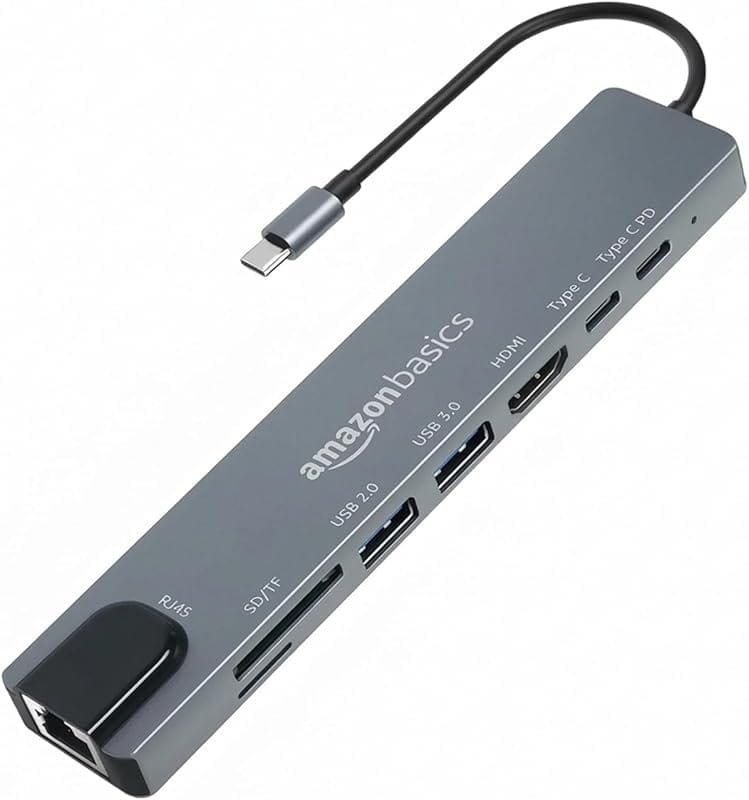
This is a traditional clamshell — not a 360° convertible — which lets Lenovo allocate more of the internal space to battery and thermal management rather than hinge mechanics. The lid opens to approximately 170° flat, useful for ergonomic desk setups, and is manageable with one finger once broken in. Port selection is generous for the form factor: you get both USB-C and USB-A (many rivals drop USB-A entirely), a full-size SD card reader, and HDMI 2.1, so real-world use rarely requires a dongle.
- Hinge: 170° flat-open, smooth torque, single-finger lift after break-in
- Keyboard: 1.35mm travel, comfortable for long sessions, adjustable backlight
- Touchpad: Large glass surface, precise tracking, quiet haptic click
- Fingerprint reader: Integrated into power button — fast, reliable even in low light
- Thermal design: Dual-fan with bottom intake + rear exhaust vents
Lenovo Yoga Pro 7a Gen 11 Display — Is the 3K OLED Worth the Premium?
The optional 14.5-inch 3K OLED panel (2944×1840, 120Hz) is the centrepiece of the top-spec model. With HDR True Black 500 certification, 100% DCI-P3 colour coverage, and factory calibration to Delta-E <2, it's among the best laptop displays available under ₹1.5 lakh in India. OLED blacks are absolute zero — contrast is infinite — and the colour accuracy is sufficient for professional photo editing without an external calibrator.
The 120Hz refresh makes UI animations and scrolling feel silky. At 2944×1840 on a 14.5" panel, pixel density is approximately 240 PPI — noticeably sharper than the 1080p 15.6" displays many competitors offer at similar prices. Lenovo also includes a software privacy shade that narrows viewing angles on demand — useful for flights and open offices.
The base 2.8K IPS panel (2880×1800, 120Hz) is also strong — it offers higher peak brightness (~400 nits vs ~350 nits for OLED in SDR) for outdoor or bright-room use, and eliminates OLED burn-in risk for users who leave static elements on screen for long periods. For photo/video editors: get the OLED. For finance, coding, and enterprise work with lots of static UI: the IPS is the smarter long-term choice.
Performance: Ryzen AI 9 HX 370 Benchmarks on Yoga Pro 7a Gen 11 India 2026
The Ryzen AI 9 HX 370 (Strix Point, 12 cores — 4 Zen 5 + 8 Zen 5c — 24 threads, up to 5.1GHz) is AMD's flagship thin-and-light chip. In the Yoga Pro 7a Gen 11, Lenovo configures three performance modes: Quiet (~25W), Balanced (~35W), and Performance (~45W). In Performance mode, sustained benchmark scores are:
- Cinebench R24 Multi-Core: ~1,450–1,650 pts
- Cinebench R24 Single-Core: ~120–128 pts
- Geekbench 6 Multi: ~13,500–14,800 pts
- PCMark 10 (Productivity): ~6,200–6,700 pts
- Blender BMW render (CPU): ~3–4 minutes
In practice, the laptop handles 4K video editing in DaVinci Resolve (colour grading, multi-track timelines), heavy Python/data science workloads, and 30+ browser tabs + IDE simultaneously without perceived throttling in Performance mode. Keyboard surface temperature under full load reaches approximately 38–42°C in the centre — warm but not uncomfortable for extended sessions.
The AMD Radeon 890M integrated GPU handles 1080p esports titles (Valorant, CS2, Rocket League) at medium-high settings well above 60fps. It is not a discrete GPU replacement but outperforms Intel Arc and Iris Xe in GPU-accelerated video exports and light 3D work.
Battery Life & Charging — Real-World Test on Yoga Pro 7a Gen 11 India
The 73Wh battery delivers solid real-world endurance. Mixed productivity use (browsing, documents, video calls, 150 nits brightness, Wi-Fi on) typically yields 9–11 hours. Pure video streaming stretches to 13–14 hours. The OLED panel draws ~10–15% more power than the IPS, so expect the OLED model to fall 1–1.5 hours short of those figures in heavy use.
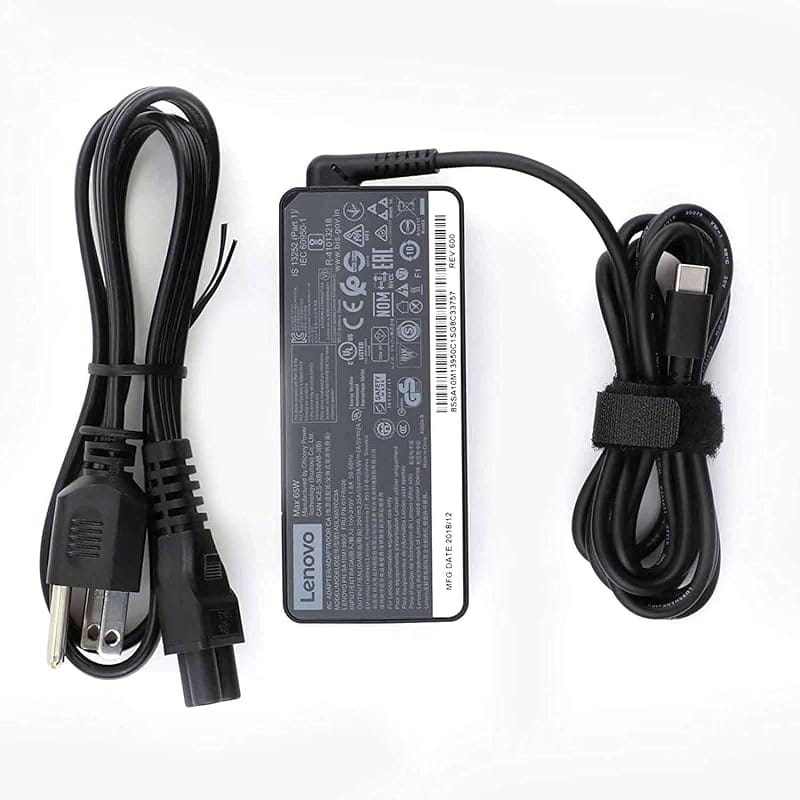
The included 140W USB-C PD 3.1 charger is a genuine advantage — it charges 0–80% in approximately 50 minutes and reaches full charge in about 75 minutes. It's small enough to pocket and uses the same USB-C cable as the laptop's other accessories. A 65W third-party GaN charger will also charge the laptop (in ~2.5 hours), useful when travelling light.
Lenovo Yoga Pro 7a Gen 11 Price in India 2026 — All Configurations
Lenovo India sells the Yoga Pro 7a Gen 11 through their official website and authorised retail partners. The prices below are approximate MRP as of June 2026 — check the Lenovo India website for current pricing, bank card EMI discounts (HDFC, SBI, ICICI), and exchange offers. Zoutons also lists active Lenovo India promo codes that can reduce the effective price further.
| Config | Processor | Display | RAM / Storage | Approx. India Price |
|---|---|---|---|---|
| Base | Ryzen 7 8845HS | 14.5" 2.8K IPS 120Hz | 16GB / 512GB | ~₹1,09,990 |
| Mid | Ryzen 7 8845HS | 14.5" 2.8K IPS 120Hz | 32GB / 1TB | ~₹1,29,990 |
| Top | Ryzen AI 9 HX 370 | 14.5" 3K OLED 120Hz | 32GB / 1TB | ~₹1,49,990 |
If you plan to use this laptop for 4+ years, always choose 32GB RAM at purchase — the memory is soldered and cannot be upgraded later.
Best Alternatives to Yoga Pro 7a Gen 11 in India — ₹1 to ₹1.7 Lakh
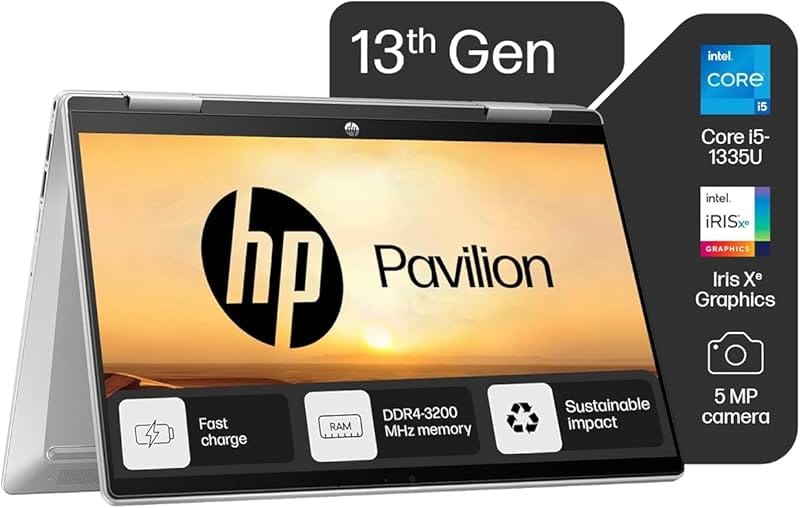
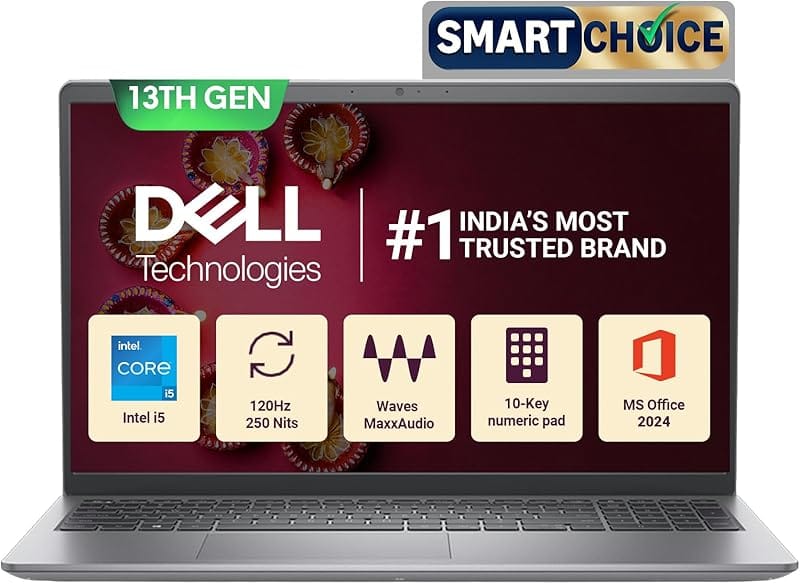
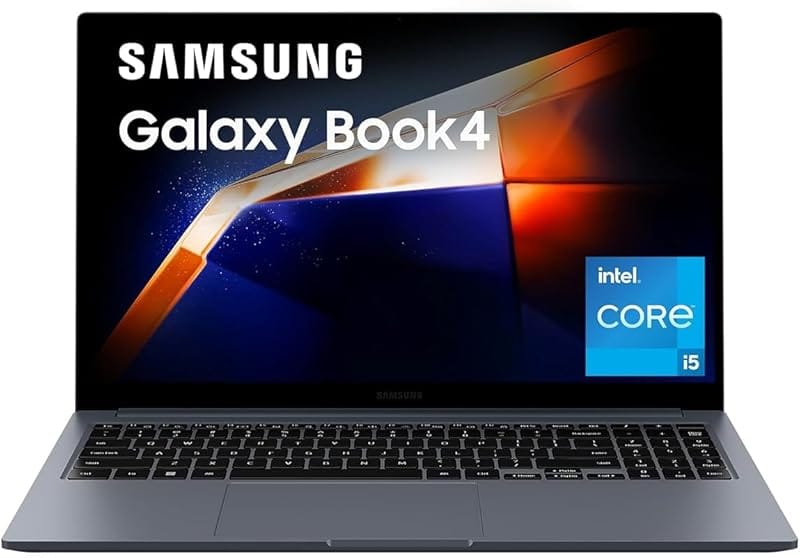
These are the strongest competing laptops in the same bracket in India, each with a distinct advantage over the Yoga Pro 7a Gen 11:
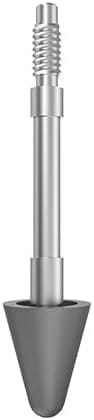
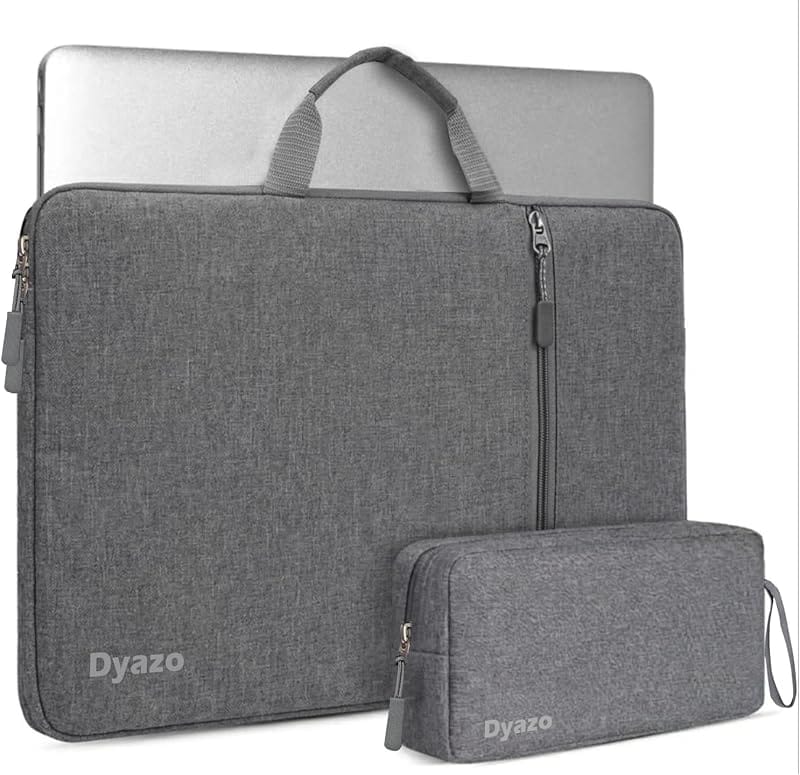
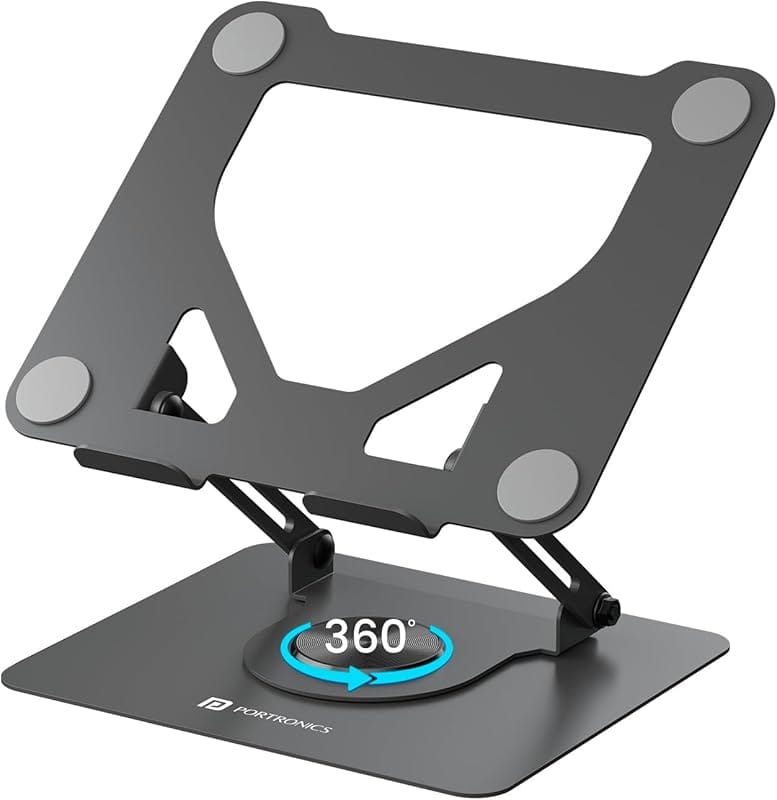
Best Accessories for Lenovo Yoga Pro 7a Gen 11 on Lenovo India
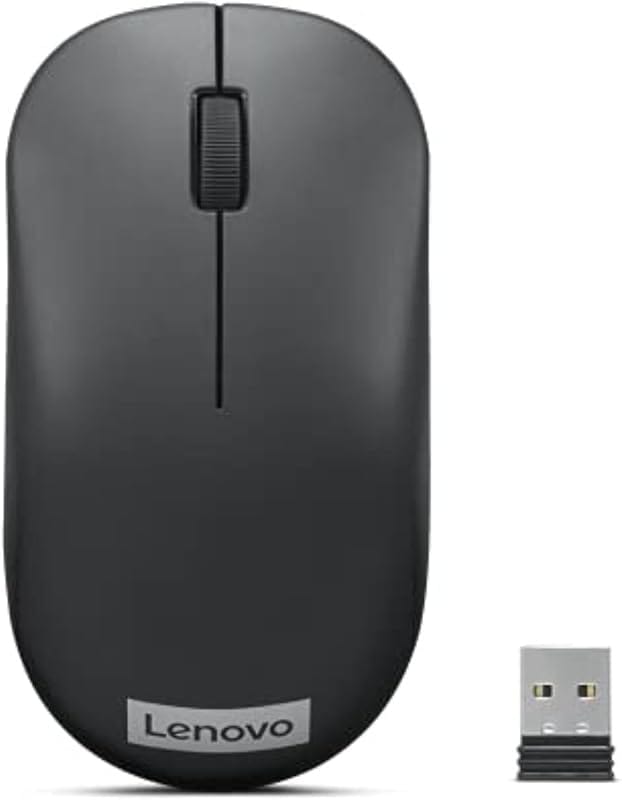
These accessories are fully compatible with the Yoga Pro 7a Gen 11 and available through Lenovo India:
Yoga Pro 7a Gen 11 vs Competitors — Full Comparison India 2026
| Spec | Yoga Pro 7a Gen 11 | HP Spectre x360 14 | Dell XPS 15 | MacBook Pro 14 M3 | Zenbook Pro 14 |
|---|---|---|---|---|---|
| Processor | Ryzen AI 9 HX 370 (12C) | Core Ultra 7 155H | Core Ultra 9 185H | Apple M3 (8C) | Ryzen 9 8945HS |
| Display | 14.5" 3K OLED 120Hz | 14" 2.8K OLED 120Hz | 15.6" OLED FHD+ | 14.2" Liquid Retina XDR | 14.5" 2.8K OLED 120Hz |
| Max RAM | 32GB LPDDR5X | 32GB LPDDR5 | 64GB DDR5 | 36GB Unified | 32GB LPDDR5X |
| Discrete GPU | None (Radeon 890M iGPU) | None (Arc iGPU) | RTX 4060 | None (M3 GPU cores) | RTX 4060 |
| Battery | 73Wh, ~10–14 hrs | 83Wh, ~9–13 hrs | 86Wh, ~7–10 hrs | ~70Wh, ~15–18 hrs | 72Wh, ~8–10 hrs |
| Weight | 1.36kg | 1.36kg | 1.86kg | 1.61kg | 1.35kg |
| India Price | From ~₹1,09,990 | From ~₹1,39,990 | From ~₹1,49,990 | From ₹1,69,900 | From ~₹1,19,990 |
| Best For | Portability + OLED + AMD AI | 2-in-1 + stylus | GPU-heavy workloads | macOS ecosystem | GPU + OLED value |
Buy if: You want the best balance of portability, AMD Ryzen AI performance, and premium OLED display under ₹1.5 lakh in India. Outstanding for remote professionals, frequent travellers, content creators, and students in demanding programmes who carry their laptop daily.
Consider alternatives if: You need a discrete GPU regularly (→ Zenbook Pro 14 OLED or Dell XPS 15), prefer macOS (→ MacBook Pro 14 M3), or need a 2-in-1 convertible with stylus (→ HP Spectre x360 14). Remember: RAM is soldered — order 32GB if you plan to use this laptop beyond 2027.