How to Use ElevenLabs to Voice YouTube Videos in Indian Languages 2026

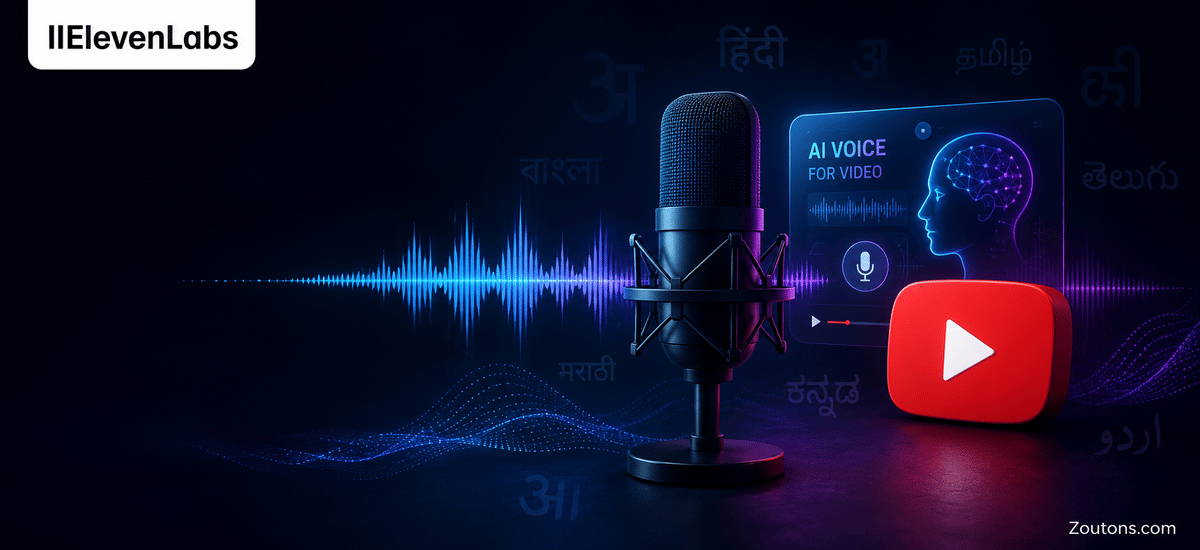
Reaching beyond a single language is the fastest way for an Indian YouTuber to grow in 2026, and ElevenLabs has made that practical without a studio or a second presenter. The platform's Eleven v3 model supports 70-plus languages and, crucially, carries emotion and tone across them, so a Hindi or Tamil version of your video does not sound flat or robotic. Paired with voice cloning and the Dubbing Studio, you can turn one English explainer into a multi-language library in an afternoon.
This guide breaks down exactly how to voice and dub YouTube videos into Hindi and regional Indian languages using ElevenLabs, step by step. We cover the dubbing workflow, cloning your own voice so every language sounds like you, the credit-based pricing from the free tier up, and small fixes that make output sound natural. With the monsoon months freeing up indoor editing time, late June and July 2026 is a smart window to build out a regional-language backlog before the festive season traffic spike.
- Eleven v3 supports 70-plus languages including Hindi, Tamil, Telugu, Bengali, Marathi and more.
- Dubbing Studio can translate and dub videos across 90-plus languages while preserving voice and pacing.
- Free plan gives roughly 10,000 credits a month, about 10 minutes of generated speech to test with.
- Paid plans start from around Rs. 400 to Rs. 450 per month equivalent for the Starter tier with commercial rights.
- Voice cloning lets you reuse your own voice across every language so dubs still sound like you.
Why ElevenLabs Works for Indian YouTube Creators in 2026
India is a multilingual market, and a single English video leaves most of the audience untapped. ElevenLabs solves this by generating natural-sounding speech and full dubs in Hindi and regional languages, so one piece of content can serve viewers across the country. Because the output keeps your emotion and pacing, the regional version feels like a proper edition of your channel rather than a machine translation slapped on top.
The big shift in 2026 is the Eleven v3 model. It pushes past 70 languages and, unlike older text-to-speech tools, carries emotional tone across them. That means a hype-filled tech review or a calm finance explainer holds the same energy whether it plays in English, Hindi or Tamil, which is exactly what keeps watch-time and ad revenue healthy.
What you can build with it
- Hindi and regional-language versions of existing English videos using Dubbing Studio.
- Fresh voiceovers in any supported Indian language from a script, no mic required.
- A cloned version of your own voice so every language sounds consistently like you.
- Faster Shorts and reels production for monsoon-season indoor content batches.
Step-by-Step: Dub a YouTube Video into Hindi with ElevenLabs
The Dubbing Studio is the fastest route for creators who already have finished videos. It handles transcription, translation, speaker detection and voice generation in one flow, and can dub across 90-plus languages while keeping the original pacing intact.
- Sign in at elevenlabs.io and open Dubbing or Dubbing Studio from the dashboard.
- Upload your video file or paste a YouTube link, then set the source language and target language, for example Hindi.
- Let the tool transcribe and detect speakers, then review the auto-translation and fix any names, brands or slang.
- Generate the dub, preview it, and adjust timing or word choice where the lip pacing feels off.
- Export the dubbed audio or video and upload it as a separate video or a multi-language audio track on YouTube.
For voiceovers from scratch
If you are writing fresh narration, use the Studio or Text to Speech tool instead. Paste your Hindi or regional-language script, pick a voice such as one of the Indian-accent options, and generate. Eleven v3 lets you nudge emotion and emphasis so the read matches the mood of your footage before you drop it into your editor.
Cloning Your Own Voice for Consistent Regional Dubs
Voice cloning is what makes ElevenLabs feel personal rather than generic. Instead of borrowing a stock voice, you train the system on samples of your own voice and then generate Hindi, Tamil or Bengali audio that still sounds like you. For a creator-led channel this keeps brand identity intact across every language edition.
Instant voice cloning is available from the entry paid tier and needs only a short, clean sample, while professional cloning on higher tiers uses more audio for a sharper match. Record in a quiet room, speak naturally, and avoid background fans or monsoon rain noise so the clone has clean source material to learn from.
- Record a few minutes of clear speech with no background noise.
- Upload the sample in the Voices section and create your cloned voice.
- Use that cloned voice as the target inside Dubbing Studio or Text to Speech.
- Generate each language version so your dubs stay recognisably yours.
ElevenLabs Plans and Pricing for Indian Creators
ElevenLabs runs on a monthly credit system. Credits convert into generated speech, so heavier dubbing schedules need a larger plan. The free tier is genuinely useful for testing the workflow before you pay, and commercial rights plus voice cloning unlock on the paid tiers. Prices below are indicative US-dollar tiers converted to approximate rupee values, so check the live page for current India billing.
| Plan | Approx. monthly price | Credits | Best for |
|---|---|---|---|
| Free | Rs. 0 | About 10,000 | Testing dubs and short voiceovers |
| Starter | From around Rs. 400 | About 30,000 | Small channels needing commercial rights and cloning |
| Creator | From around Rs. 950 | About 100,000 | Regular multi-language uploads |
| Pro | From around Rs. 8,500 | About 500,000 | High-volume creators and small studios |
| Scale | From around Rs. 28,000 | Millions | Teams running production at scale |
Annual billing typically saves the equivalent of about two months versus monthly, so if you are committed to a regional-language plan it is the cheaper route. Pick the smallest tier that covers your monthly minutes and upgrade only when you consistently run out of credits.