Best Lenovo Laptops for Students Under Rs. 60,000 in 2026

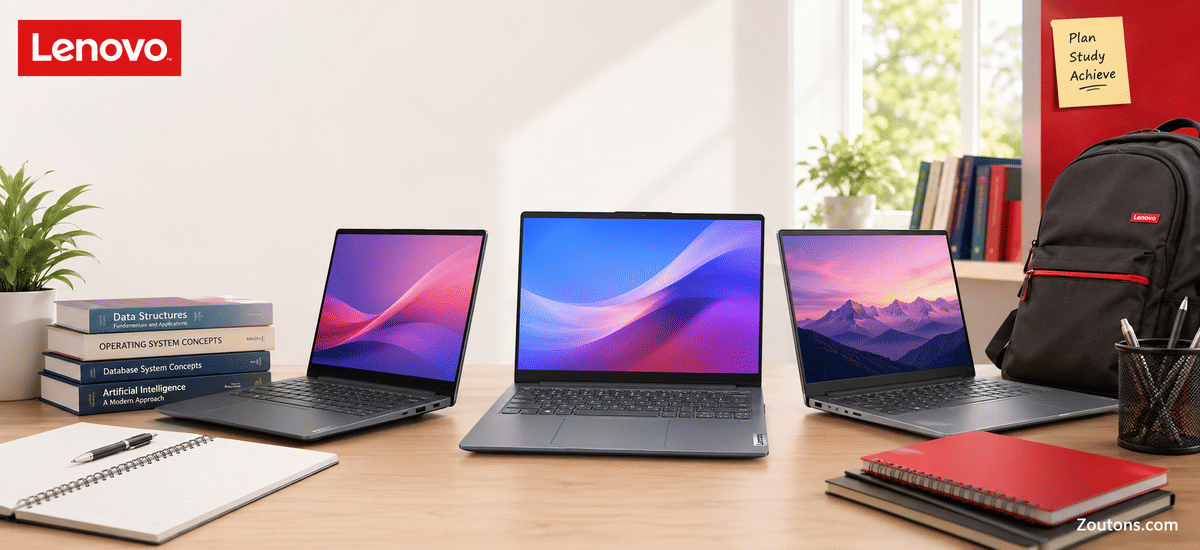
Choosing a laptop for college in India means balancing performance, battery life, and price, and Lenovo remains one of the most trusted brands for students who need a reliable daily workhorse. Under Rs. 60,000 you can get genuinely capable machines built around AMD Ryzen 5 and Intel Core i5 processors, with many models now offering 16GB of RAM and quick 512GB SSDs.
These configurations comfortably handle online classes, assignments, browsing with dozens of tabs, light photo editing, and entry-level coding without lag. In this guide we compare 12 Lenovo laptops from the IdeaPad Slim, IdeaPad 3, V14, and V15 ranges, so you can match the right specs and screen size to your course and budget before checkout.
- Lenovo IdeaPad (Ryzen 5 5500U, 8GB/512GB) Budget Pick
- Lenovo IdeaPad Slim 3 15ABR8 (Ryzen 5 5625U) Value Pick
- Lenovo V15 (Ryzen 5 7520U, 16GB/512GB) Best RAM Value
- Lenovo V15 G4 (Ryzen 5, 16GB/512GB) Durable Pick
- Lenovo IdeaPad Slim 1 (Ryzen 5, 8GB/512GB) Slim Pick
- Lenovo IdeaPad 3 (Core i5 11th Gen, 8GB/512GB) Intel Value
- Lenovo V14 (Core i5 13420H, 8GB/512GB) Performance Pick
- Lenovo IdeaPad Slim 3 (Ryzen 5 5500U, 16GB/512GB) 16GB Pick
- Lenovo V14 (Core i5 1335U, 8GB/512GB) Portable Pick
- Lenovo V14 (Core i5 13420H, 8GB/512GB) Power Pick
- Lenovo V15 (Core i5 1235U, 8GB/512GB) Big Screen Pick
- Lenovo V-Series (Core i5 1235U, 8GB/512GB) Premium Pick
 01
Budget Pick
01
Budget Pick
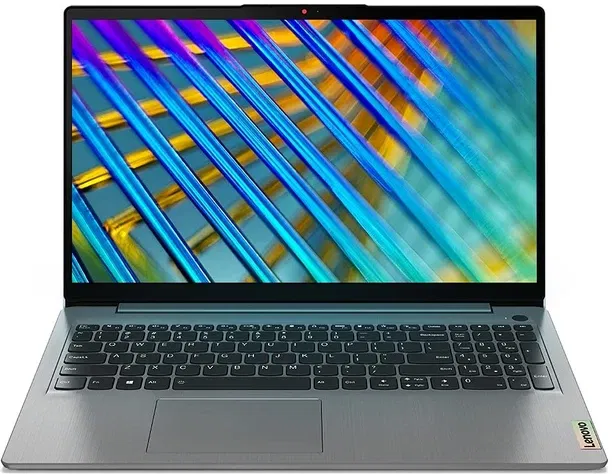
Lenovo IdeaPad (Ryzen 5 5500U, 8GB/512GB)
The most affordable entry here, pairing a proven Ryzen 5 chip with a fast SSD for everyday college work.
This IdeaPad runs on the AMD Ryzen 5 5500U, a six-core processor that comfortably handles online classes, documents, and web browsing. With 8GB RAM and a 512GB SSD, it boots quickly and keeps assignments and media organized.
 02
Value Pick
02
Value Pick
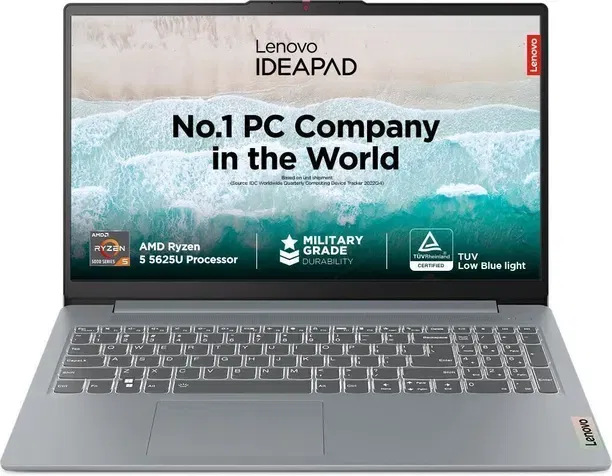
Lenovo IdeaPad Slim 3 15ABR8 (Ryzen 5 5625U)
A slightly newer Ryzen 5 chip in Lenovo's slim chassis makes this a smart value upgrade.
The IdeaPad Slim 3 15ABR8 uses the Ryzen 5 5625U for a small bump in efficiency and multitasking over the base model. Its slim, lightweight build suits students who carry their laptop between lectures and hostels.
 03
Best RAM Value
03
Best RAM Value
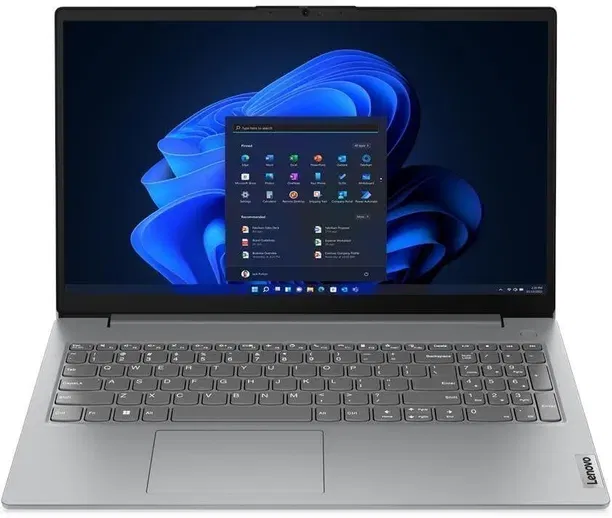
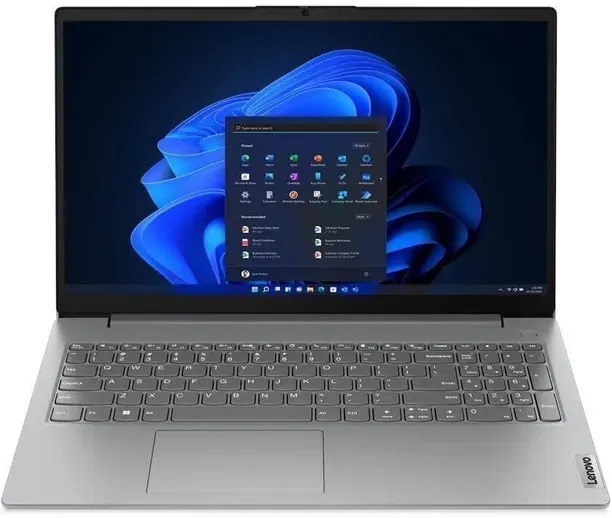
Lenovo V15 (Ryzen 5 7520U, 16GB/512GB)
A modern Ryzen 5 7520U with a full 16GB of RAM at this price is hard to beat for multitaskers.
The V15 steps up to the newer Ryzen 5 7520U and ships with 16GB RAM, so heavy browser sessions, coding tools, and background apps stay smooth. The 512GB SSD gives plenty of room for projects and downloads.
 04
Durable Pick
04
Durable Pick
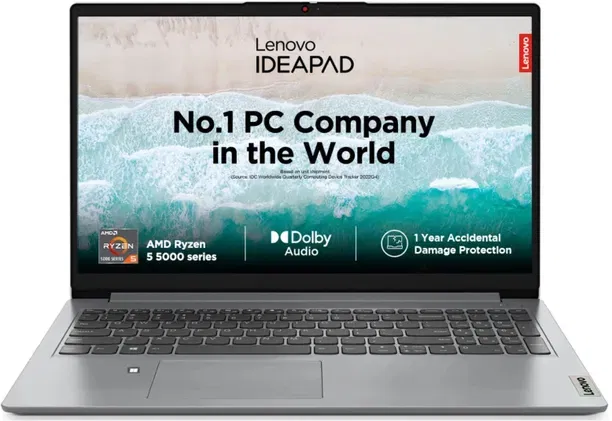
Lenovo V15 G4 (Ryzen 5, 16GB/512GB)
A sturdy 16GB business laptop built to survive years of backpack commutes.
The V15 G4 offers the same generous 16GB RAM and 512GB SSD in Lenovo's tough V-series body. It is a dependable choice for engineering and management students who want longevity and smooth everyday performance.
 05
Slim Pick
05
Slim Pick
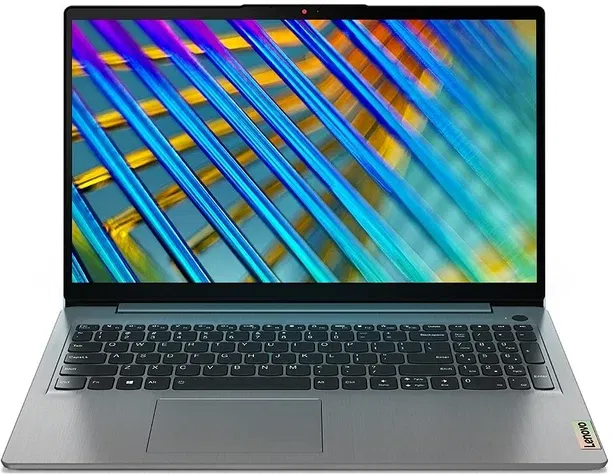
Lenovo IdeaPad Slim 1 (Ryzen 5, 8GB/512GB)
A genuinely thin and light Ryzen 5 laptop for students who prize portability.
The IdeaPad Slim 1 keeps things light and compact while running a capable Ryzen 5 chip. With 8GB RAM and a 512GB SSD, it covers notes, video calls, and web work for students always on the move.
 06
Intel Value
06
Intel Value
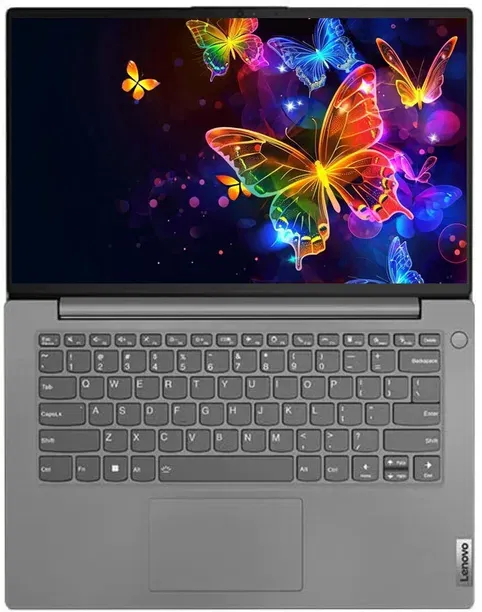
Lenovo IdeaPad 3 (Core i5 11th Gen, 8GB/512GB)
A solid 11th Gen Core i5 option for students who prefer the Intel ecosystem.
The IdeaPad 3 brings an 11th Gen Intel Core i5 with 8GB RAM and a 512GB SSD. It is a balanced all-rounder for documents, streaming, and light productivity, with the wide app compatibility students expect from Intel.
 07
Performance Pick
07
Performance Pick
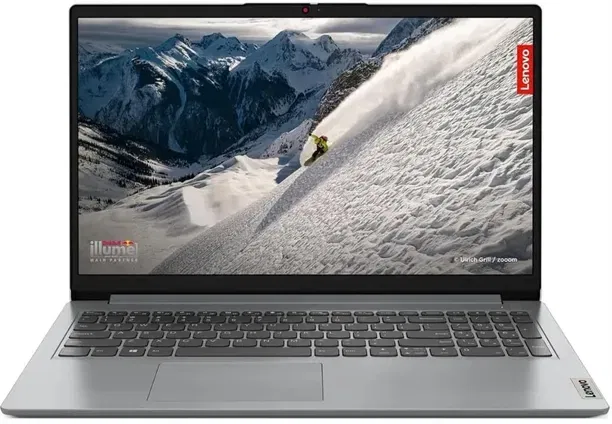
Lenovo V14 (Core i5 13420H, 8GB/512GB)
The Core i5 13420H punches above its price for coding, multitasking, and heavier course software.
This V14 packs the powerful 13th Gen Intel Core i5 13420H, an eight-core chip that handles demanding apps and compiles with ease. With 8GB RAM and a 512GB SSD, it is a strong pick for CS and engineering students.
 08
16GB Pick
08
16GB Pick
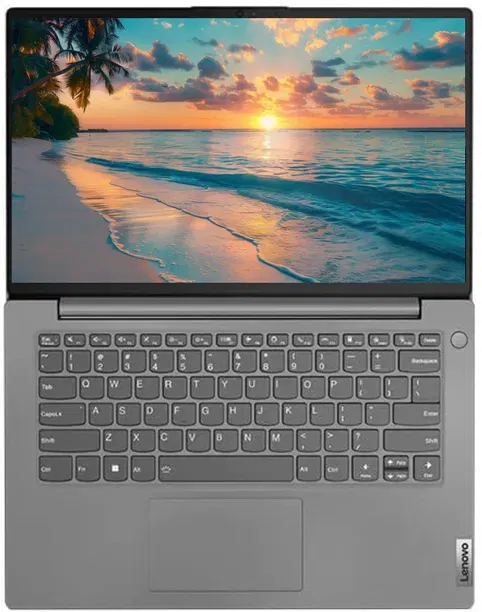
Lenovo IdeaPad Slim 3 (Ryzen 5 5500U, 16GB/512GB)
More memory headroom on a Ryzen 5 chassis keeps demanding workloads fluid.
The IdeaPad Slim 3 with Ryzen 5 5500U and 16GB RAM is ideal for students who keep many tabs and apps open at once. The 512GB SSD and slim design round out a comfortable everyday machine.
 09
Portable Pick
09
Portable Pick
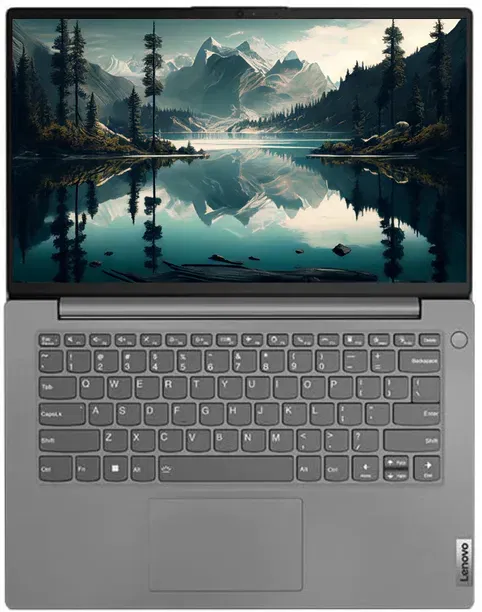
Lenovo V14 (Core i5 1335U, 8GB/512GB)
A compact 14-inch Core i5 1335U laptop tuned for efficiency and battery life.
This V14 uses the 13th Gen Core i5 1335U, a power-efficient chip that balances performance with longer unplugged use. Its 14-inch size and light weight make it easy to carry between classes and the library.
 10
Power Pick
10
Power Pick
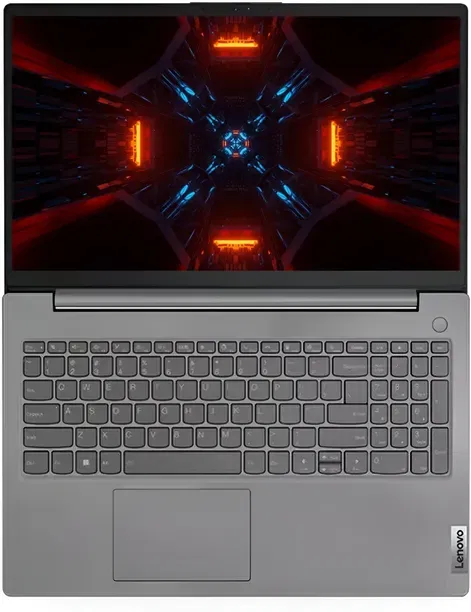
Lenovo V14 (Core i5 13420H, 8GB/512GB)
The eight-core 13420H in a compact 14-inch body is excellent for heavier coursework.
Another V14 built around the Core i5 13420H, this model delivers strong multi-core performance for coding, simulations, and multitasking. The 512GB SSD keeps load times short for busy academic schedules.
 11
Big Screen Pick
11
Big Screen Pick
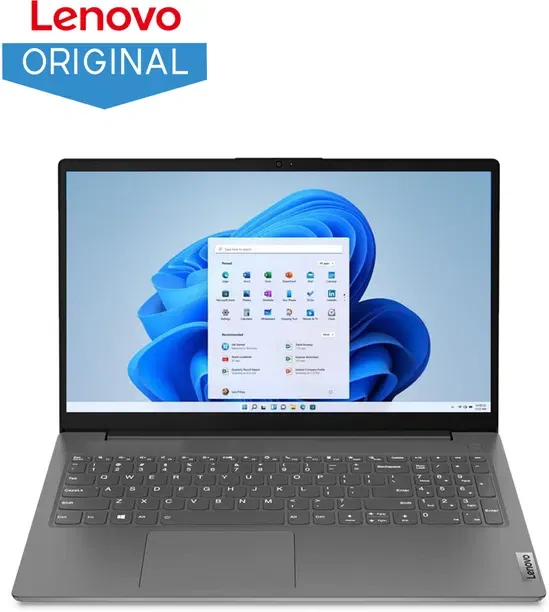
Lenovo V15 (Core i5 1235U, 8GB/512GB)
A roomy 15.6-inch Core i5 1235U laptop for students who want more screen space.
The V15 with Core i5 1235U offers a larger display that is easier on the eyes during long study sessions and presentations. With 8GB RAM and a 512GB SSD, it handles everyday productivity reliably.
 12
Premium Pick
12
Premium Pick
Lenovo V-Series (Core i5 1235U, 8GB/512GB)
A polished V-series finish with a capable Core i5 1235U tops off the lineup.
This V-Series laptop rounds out the list with the efficient Core i5 1235U, 8GB RAM, and a 512GB SSD. It is a well-rounded, professional-looking machine for students who want a dependable all-rounder near the budget ceiling.
Lenovo Student Laptops Under Rs. 60,000 Compared
| Product | Best For | Price | Key Spec |
|---|---|---|---|
| Lenovo IdeaPad (Ryzen 5 5500U) | Budget everyday use | Rs. 55,350 | 8GB / 512GB SSD |
| IdeaPad Slim 3 15ABR8 (Ryzen 5 5625U) | Slim value pick | Rs. 55,990 | 8GB / 512GB SSD |
| Lenovo V15 (Ryzen 5 7520U) | Multitasking on a budget | Rs. 56,055 | 16GB / 512GB SSD |
| Lenovo V15 G4 (Ryzen 5) | Durable daily driver | Rs. 56,986 | 16GB / 512GB SSD |
| IdeaPad Slim 1 (Ryzen 5) | Maximum portability | Rs. 57,891 | 8GB / 512GB SSD |
| Lenovo IdeaPad 3 (Core i5 11th Gen) | Intel all-rounder | Rs. 57,990 | 8GB / 512GB SSD |
| Lenovo V14 (Core i5 13420H) | Coding and projects | Rs. 57,999 | 8GB / 512GB SSD |
| IdeaPad Slim 3 (Ryzen 5 5500U) | Heavy multitasking | Rs. 58,811 | 16GB / 512GB SSD |
| Lenovo V14 (Core i5 1335U) | Battery efficiency | Rs. 58,900 | 8GB / 512GB SSD |
| Lenovo V14 (Core i5 13420H) | Demanding coursework | Rs. 58,990 | 8GB / 512GB SSD |
| Lenovo V15 (Core i5 1235U) | Bigger 15.6-inch screen | Rs. 59,999 | 8GB / 512GB SSD |
| Lenovo V-Series (Core i5 1235U) | Premium all-rounder | Rs. 59,999 | 8GB / 512GB SSD |
How to Choose a Lenovo Student Laptop Under Rs. 60,000
Start with the processor and memory. An AMD Ryzen 5 or Intel Core i5 chip is enough for almost all student work, from online classes to coding and light editing. If you run many apps and browser tabs at once, prioritise a model with 16GB RAM, like the V15 or the IdeaPad Slim 3 16GB variant. For lighter use, 8GB is fine, though check whether the RAM is expandable later.
Storage matters too. A 512GB SSD is the sweet spot in this range, giving fast boot times and ample space for projects, notes, and media. All twelve laptops here use SSDs, so you avoid the slowdowns of older hard-drive machines and get a snappier day-to-day experience.
What Else to Look For Before You Buy
Think about screen size and portability based on how you study. A 14-inch V14 is lighter and easier to carry between campus buildings, while a 15.6-inch IdeaPad or V15 gives more room for spreadsheets, presentations, and side-by-side windows during long sessions. Battery life and weight are worth checking if you spend full days away from a power socket.
Finally, match the chip generation to your needs. Newer chips like the Core i5 13420H and Ryzen 5 7520U offer better efficiency and performance for heavier coursework, while 11th and 12th Gen options keep the price lower for general use. Compare the prices in the table, then apply a Zoutons coupon or bank offer to bring the cost down further.