Best HP Laptops Under Rs. 45,000 for Students -- June 2026

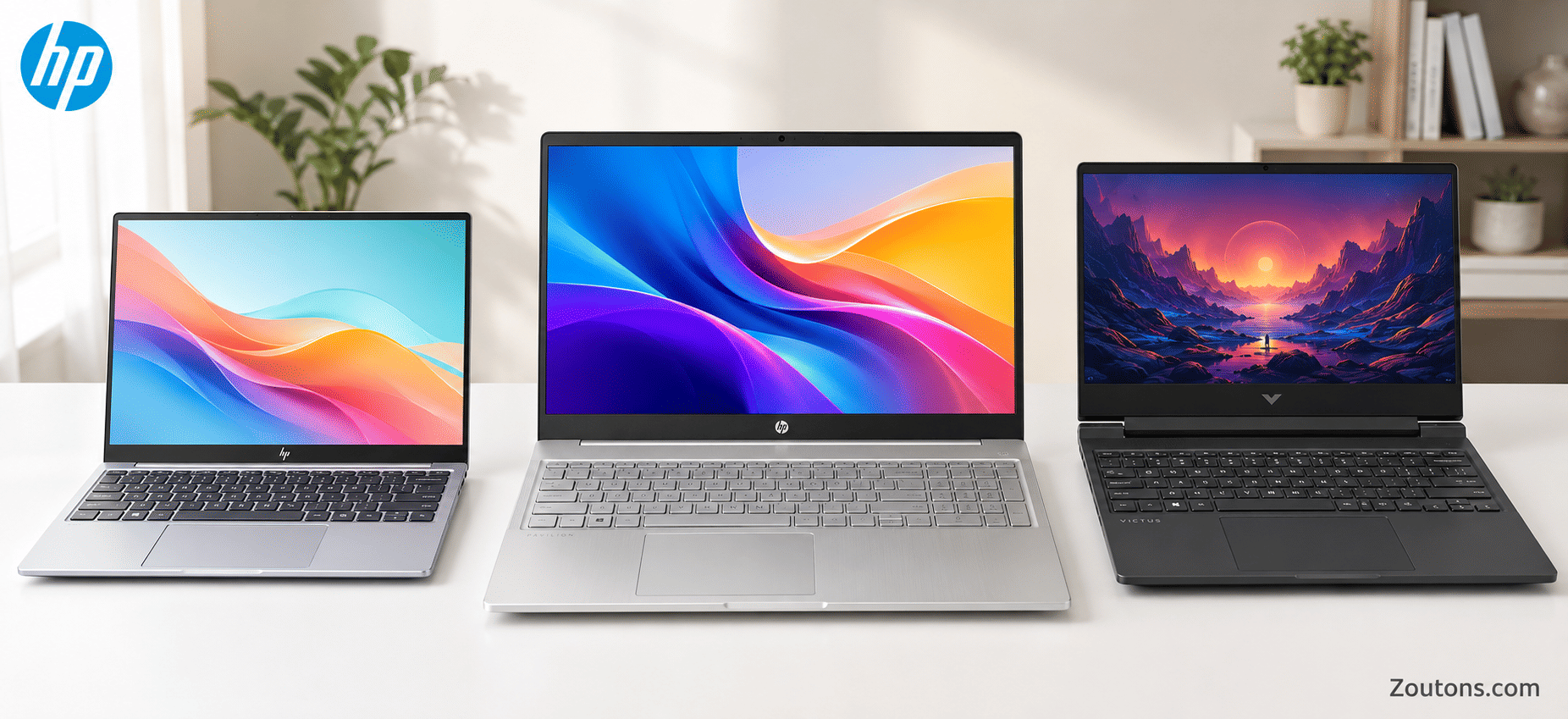
Finding a reliable laptop under Rs. 45,000 that can handle college assignments, coding sessions, and the occasional Netflix binge is no small feat. HP makes it slightly easier — their lineup in this price range is one of the deepest of any brand in India right now, spanning everything from ultralight 14-inch notebooks to 16 GB powerhouses that can run VS Code and Chrome with 30 tabs without breaking a sweat.
We spent the past two weeks researching every HP laptop available under Rs. 45,000 on Amazon, Flipkart, and the HP India store. This list covers 14 models across the HP 15s, HP 14s, HP 250 G10, and Chromebook series — sorted by who they are best suited for, with verified June 2026 prices and real specs. No fluff, no made-up discounts.
HP is also running its Mid-Year Sale with up to 60% off select models and no-cost EMI for students — so if you have been putting off the purchase, this is a solid window.
- HP 14s-DY5005TU Best Overall
- HP 15s-fq5330TU Best for Coding
- HP 15s-fy5004TU Best RAM Value
- HP 15-fc0154AU Budget Pick
- HP 14-ep0294TU
- HP 15-fd1095TU
- HP 250 G10 Most Durable
- HP 15s-EQ2143AU
- HP 15s-FR2508TU
- HP 15s-fq2627TU
- HP 14s-DQ2606TU
- HP 15s-GR0012AU Best Storage
- HP Chromebook x360 14a
- HP Chromebook 14a Most Affordable
 01
Best Overall
01
Best Overall
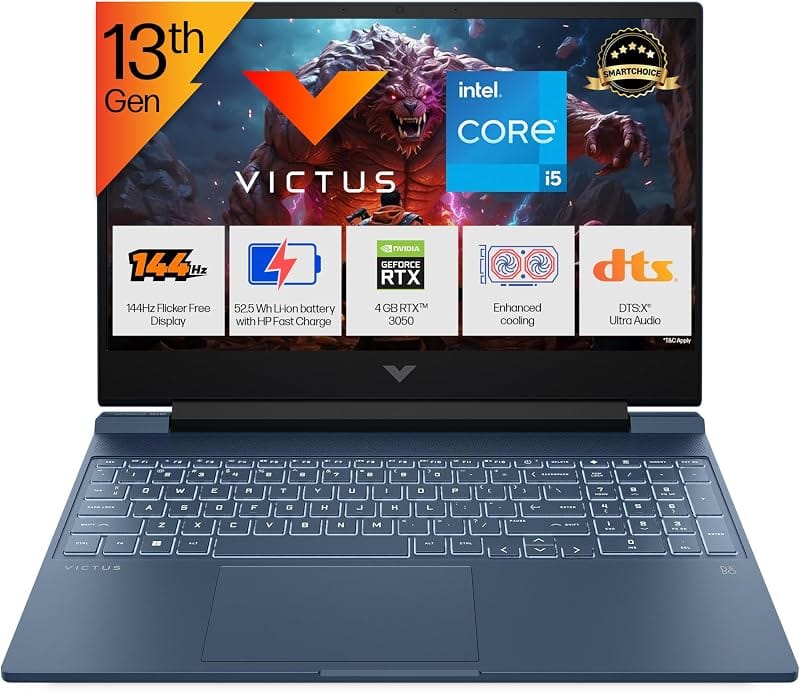
HP 14s-DY5005TU
"The only i5 + 16 GB combo under Rs. 45K that weighs just 1.46 kg — genuinely hard to beat for the price."
This is the laptop we would hand to any college student who asks for a single recommendation. The 12th Gen Core i5-1235U handles everything from Python IDEs to Photoshop without throttling, and 16 GB DDR4 means you will not run into memory walls anytime soon. The 14-inch FHD display with Iris Xe graphics is sharp enough for media consumption, and at 1.46 kg, it disappears into your backpack.
 02
Best for Coding
02
Best for Coding
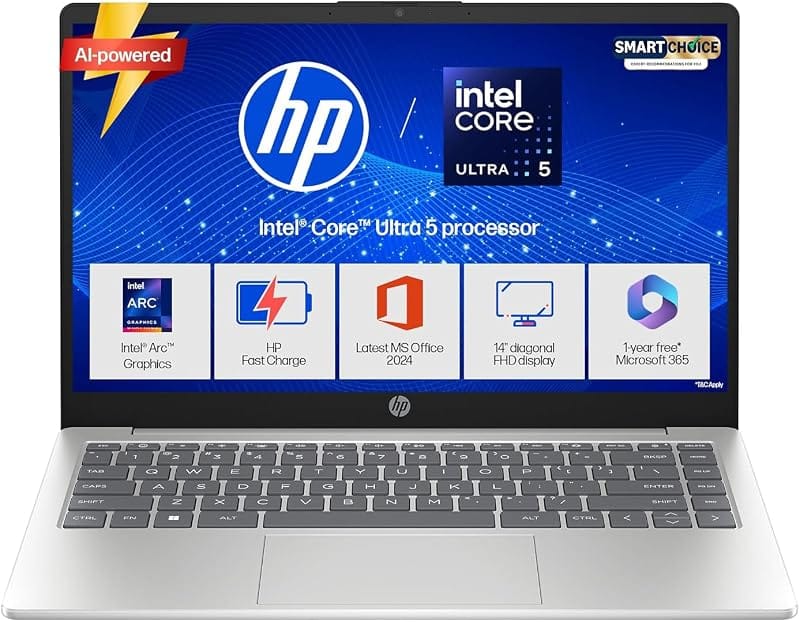
HP 15s-fq5330TU
"Same i5 + 16 GB muscle as #1, but with a 15.6-inch screen — more real estate for split-screen coding."
If you spend hours in VS Code, IntelliJ, or Jupyter Notebooks, the extra 1.6 inches of screen over the 14s make a genuine difference. The Core i5-1235U with 16 GB RAM and 512 GB SSD means compile times stay low and context switching between browser, terminal, and IDE stays smooth. At Rs. 39,999 on sale, it is one of the best price-to-performance deals in the HP range right now.
 03
Best RAM Value
03
Best RAM Value
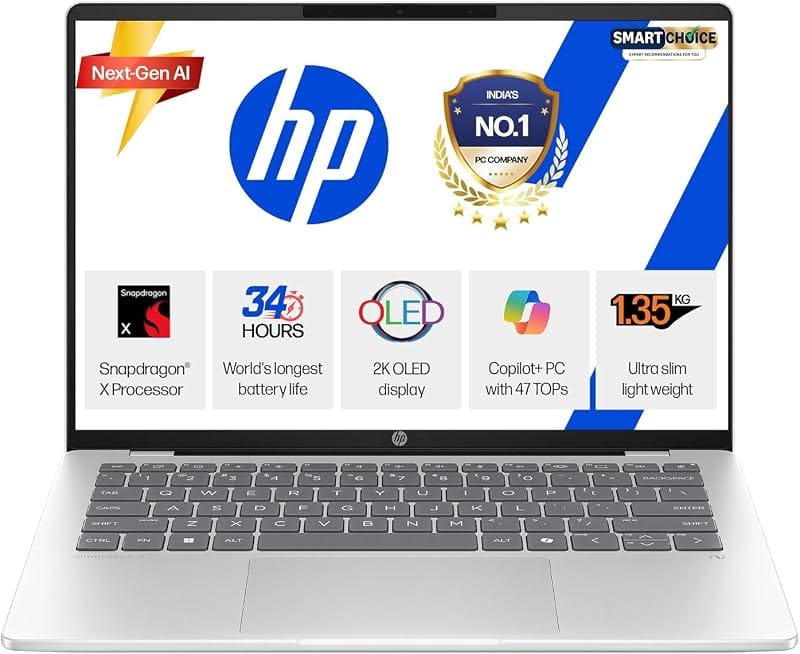
HP 15s-fy5004TU
"16 GB RAM at Rs. 35,990 — the best multitasking laptop in this entire list for the money."
Here is the thing about student life: you always have 20+ Chrome tabs open alongside Zoom, Word, and Spotify. This laptop handles that chaos without flinching, thanks to 16 GB DDR4 paired with a 12th Gen Core i3-1215U. The i3 is not as fast as the i5 in the top two picks, but for everyday academic work and light coding, you genuinely will not notice the difference. At Rs. 35,990, it leaves money in your pocket for peripherals.
 04
Budget Pick
04
Budget Pick
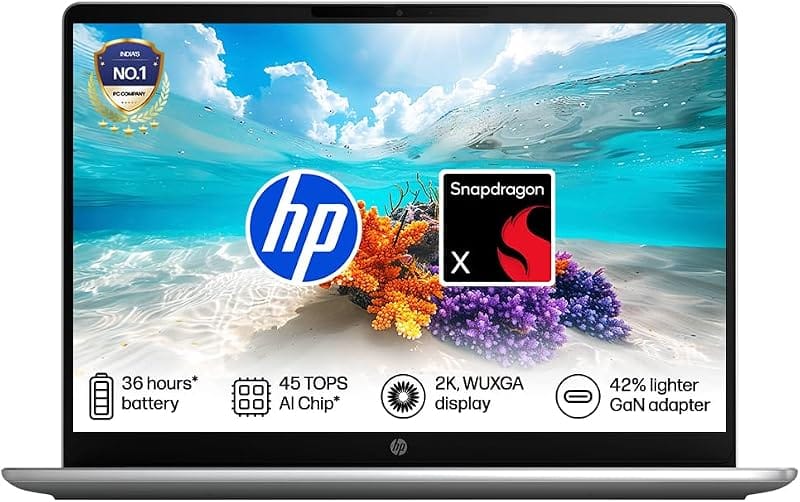
HP 15-fc0154AU
"A Ryzen 7000-series CPU at Rs. 30,490 — the most affordable modern HP laptop you can buy right now."
The Ryzen 3 7320U is a newer Zen 2 architecture chip that punches well above its price bracket. Paired with 8 GB LPDDR5 (faster than the DDR4 in most rivals) and a 512 GB SSD, it handles Office, web browsing, video calls, and light photo editing without complaint. MS Office 2021 comes bundled, so you save another Rs. 4,000-5,000 right out of the box. At 1.59 kg, it is comfortably portable.
 05
Best Compact
05
Best Compact
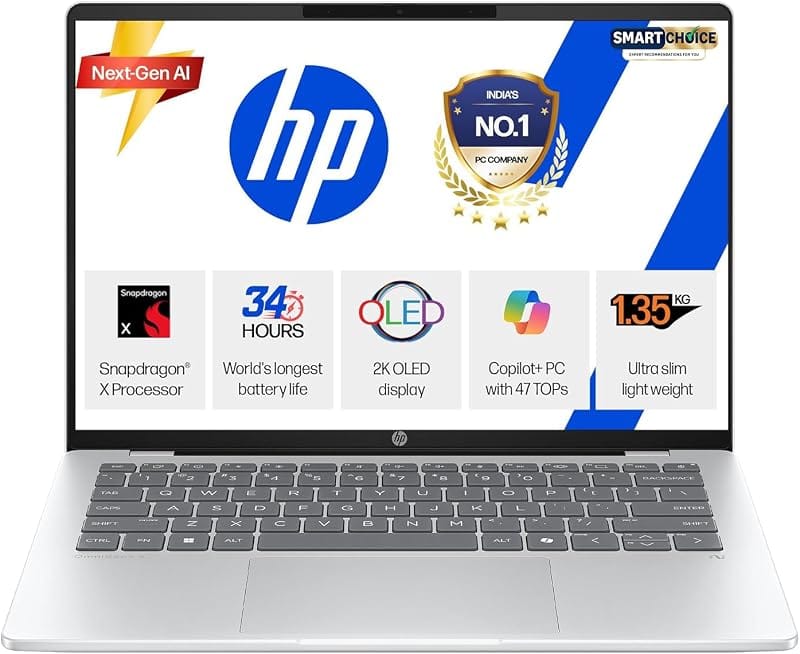
HP 14-ep0294TU
"The lightest laptop here at 1.4 kg, plus it comes with MS Office 2024 and a year of M365 — zero extra software costs."
If your commute involves packed metro rides or long walks across campus, every gram counts. This 14-inch machine with a 13th Gen Core i3-1315U is the lightest in the list and comes bundled with Office 2024 and a year of Microsoft 365 Basic — a Rs. 5,000+ value. The 6-core CPU handles academic workloads efficiently, and the FHD display is sharp for its size.
 06
14th Gen Budget
06
14th Gen Budget
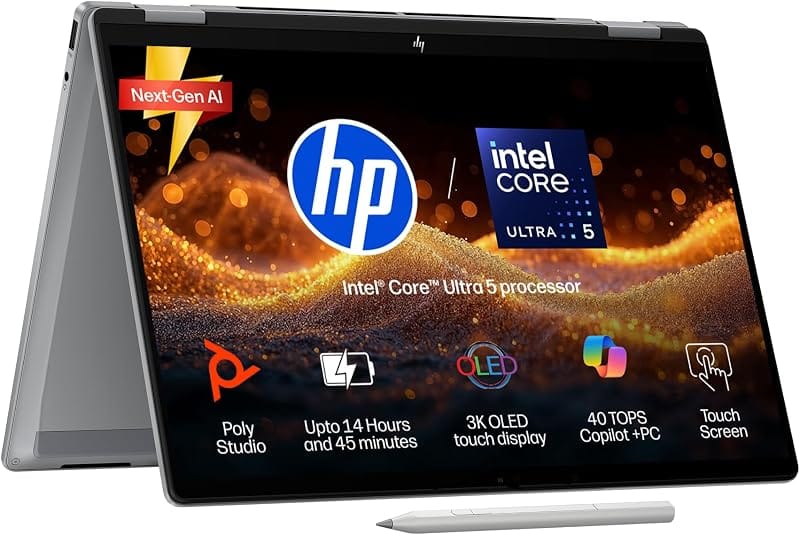
HP 15-fd1095TU
"The cheapest way to get a 14th Gen Intel processor in an HP laptop — future-proofing at a budget price."
The Intel Core 3 100U is Intel's 14th Gen entry-level chip, and while it is not a performance monster, it is more power-efficient than previous generations. That translates to better battery life and cooler operation during long study sessions. The 15.6-inch FHD display at 250 nits is adequate for indoor use, and the 512 GB SSD keeps boot times snappy. A solid pick for students who want the newest generation silicon without stretching their budget.
 07
Most Durable
07
Most Durable
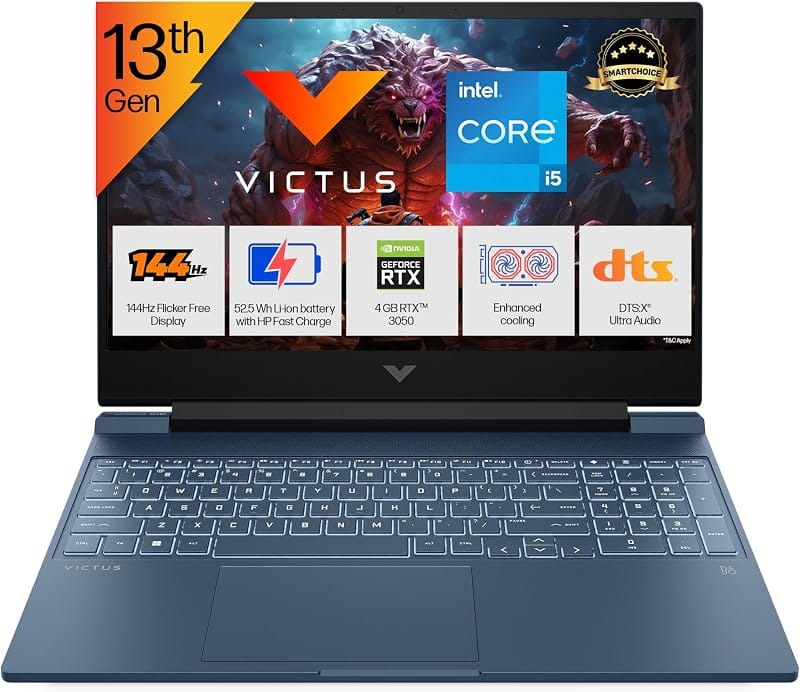
HP 250 G10
"Business-grade build quality with 16 GB RAM and a full-size RJ45 port — built for engineering labs."
The 250 G10 is HP's enterprise workhorse repackaged for students. It has a spill-resistant keyboard, more USB ports than any consumer HP in this list, and a full RJ45 ethernet jack for when hostel Wi-Fi is unreliable. The 15.6-inch IPS display is a step above the TN panels on cheaper models, and 16 GB RAM handles heavier workloads. Note: it ships with DOS, so you will need to install Windows or Linux yourself — many colleges provide free licences.
 08
Best AMD
08
Best AMD
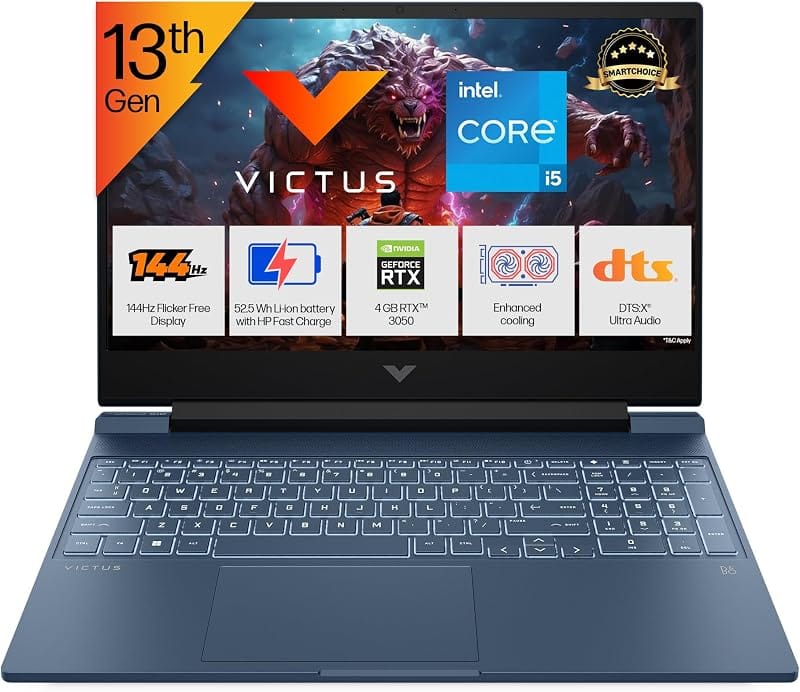
HP 15s-EQ2143AU
"The Ryzen 3 5300U is a quad-core chip that competes with Intel's i3-1215U — and it often runs cooler."
If you prefer AMD for its better integrated graphics and thermal efficiency, this is your pick. The Ryzen 3 5300U handles everyday tasks and light gaming (think Valorant at low settings) without the fan noise you get from some Intel machines. RAM is expandable to 16 GB if you need more down the line. The price hovers around Rs. 43,000 on Flipkart, but bank offers can bring it under Rs. 40,000.
 09
09
HP 15s-FR2508TU
"A tried-and-tested 11th Gen i3 workhorse — not the newest, but reliability is its strongest suit."
The Core i3-1115G4 has been in production long enough that most software and driver quirks have been ironed out. This makes it one of the most stable student laptops in the list. The 512 GB SSD and 8 GB RAM combo handles standard college workloads — Word, PowerPoint, web browsing, and video calls — without drama. If you do not need the latest generation chip and want something that just works, this is it.
 10
10
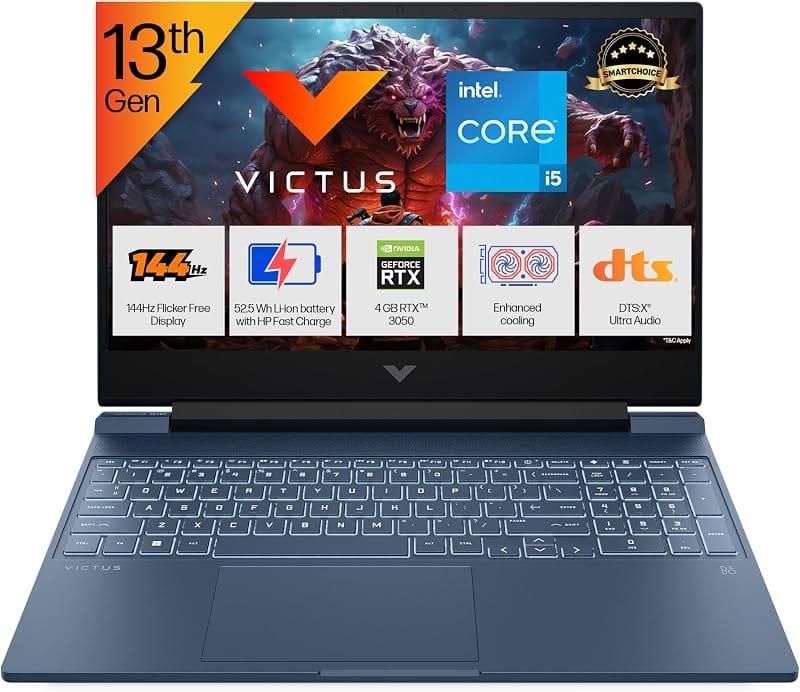
HP 15s-fq2627TU
"A no-frills 15.6-inch workhorse that hits the sweet spot between price and modern specs."
This is HP's bread-and-butter student laptop — a 14th Gen Intel Core i3 with 8 GB RAM and a 512 GB SSD at under Rs. 34,000 on sale. It does not have standout features, but everything works as expected: the keyboard is comfortable for long typing sessions, the display is Full HD, and the SSD keeps Windows responsive. A safe, sensible choice for first-year students.
 11
11
HP 14s-DQ2606TU
"A compact 14-inch screen in a lightweight chassis — good for students who travel a lot."
The 14-inch form factor makes this laptop easy to use on cramped library desks or in lecture halls with fold-down tables. The 11th Gen Core i3-1125G4 with 8 GB DDR4 (expandable to 16 GB) handles standard academic tasks comfortably. The Micro-Edge bezels make the screen feel larger than 14 inches, and the anti-glare coating is useful for outdoor study sessions.
 12
Best Storage
12
Best Storage
HP 15s-GR0012AU
"1 TB HDD + 256 GB SSD — the most storage you will find in any HP laptop under Rs. 45,000."
Video editing students, data science folks, or anyone who hoards lecture recordings and project files: this one is for you. The dual-storage setup gives you a 256 GB SSD for Windows and apps (fast boot) and a 1 TB HDD for bulk storage (cheap per gigabyte). The Ryzen 3 3250U is an older chip, but it handles everyday tasks and light media work without trouble.
 13
Best Convertible
13
Best Convertible
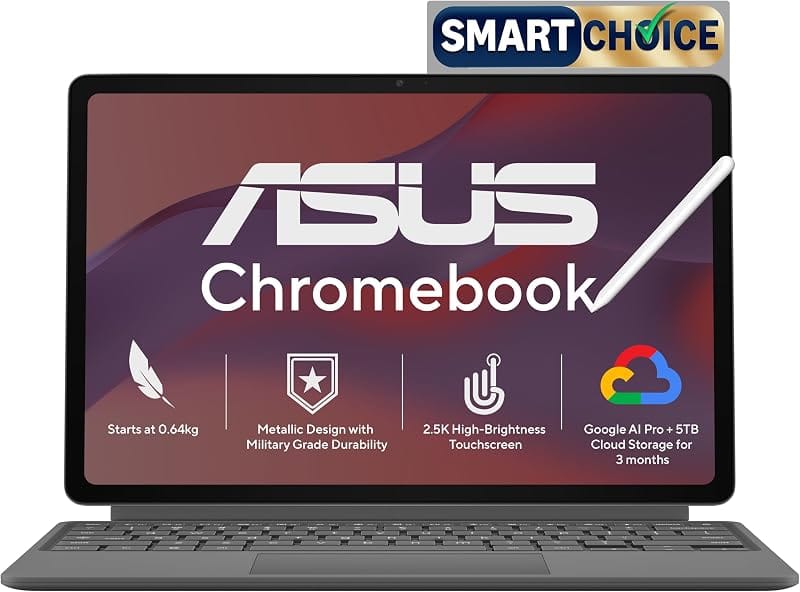
HP Chromebook x360 14a
"A 360-degree convertible with a touchscreen at Rs. 32,999 — doubles as a tablet for digital note-taking."
If your college runs on Google Workspace (Docs, Classroom, Meet), a Chromebook makes more sense than a Windows machine. The x360 hinge lets you flip it into tablet mode for handwritten notes with a stylus, tent mode for watching lectures, or laptop mode for typing. Chrome OS is virus-free, boots in under 8 seconds, and gets 12+ hours of battery life. The FHD touchscreen is responsive and sharp.
 14
Most Affordable
Fan Favourite
14
Most Affordable
Fan Favourite
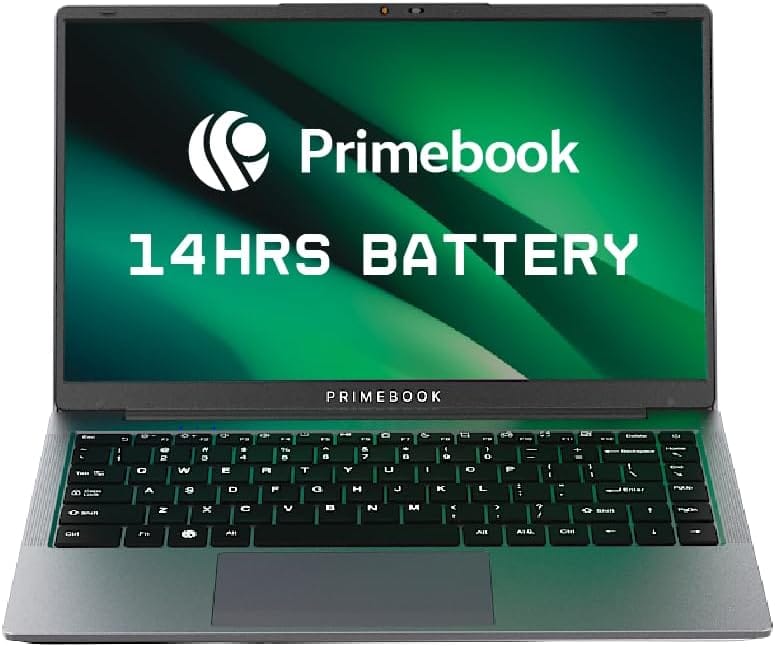
HP Chromebook 14a
"At Rs. 27,999, this is the absolute cheapest way to get a functional HP laptop for college."
Let us be honest: the Celeron N4020 and 4 GB RAM are not going to win any performance awards. But if your workflow is entirely browser-based — Google Docs, Classroom, YouTube, email — this Chromebook does it all for under Rs. 28,000. The 14-inch touchscreen is a nice bonus, battery life is a claimed 12+ hours (real-world around 9-10), and it includes 100 GB of Google One storage for a year. The best laptop for students on a very tight budget.
Quick Comparison: All 14 HP Laptops at a Glance
| # | Model | Price | Processor | RAM | Best For |
|---|---|---|---|---|---|
| 01 | HP 14s-DY5005TU | Rs. 44,490 | i5-1235U | 16 GB | Best overall |
| 02 | HP 15s-fq5330TU | Rs. 39,999 | i5-1235U | 16 GB | Coding |
| 03 | HP 15s-fy5004TU | Rs. 35,990 | i3-1215U | 16 GB | Multitasking |
| 04 | HP 15-fc0154AU | Rs. 30,490 | Ryzen 3 7320U | 8 GB | Budget pick |
| 05 | HP 14-ep0294TU | Rs. 42,490 | i3-1315U | 8 GB | Lightweight |
| 06 | HP 15-fd1095TU | Rs. 39,059 | Core 3 100U | 8 GB | 14th Gen budget |
| 07 | HP 250 G10 | Rs. 44,862 | i3 13th Gen | 16 GB | Durability |
| 08 | HP 15s-EQ2143AU | Rs. 43,000 | Ryzen 3 5300U | 8 GB | AMD fans |
| 09 | HP 15s-FR2508TU | Rs. 38,000 | i3-1115G4 | 8 GB | Reliability |
| 10 | HP 15s-fq2627TU | Rs. 33,990 | i3 14th Gen | 8 GB | Entry-level |
| 11 | HP 14s-DQ2606TU | Rs. 38,000 | i3-1125G4 | 8 GB | Portability |
| 12 | HP 15s-GR0012AU | Rs. 37,500 | Ryzen 3 3250U | 8 GB | Max storage |
| 13 | Chromebook x360 14a | Rs. 32,999 | AMD 3015Ce | 4 GB | Convertible |
| 14 | Chromebook 14a | Rs. 27,999 | Celeron N4020 | 4 GB | Tight budget |
How to Choose the Right HP Laptop Under Rs. 45,000
The biggest mistake students make is obsessing over processor generation while ignoring RAM. If you regularly have 15+ Chrome tabs open alongside Word and Zoom, 8 GB will feel cramped within a year. Spend the extra Rs. 3,000-4,000 for 16 GB if your budget allows — it is the single upgrade that makes the biggest day-to-day difference.
Screen size depends on how you work. If you carry your laptop across campus daily, a 14-inch machine saves your back and fits better on bus seats. If you study mostly at a desk or hostel room, the 15.6-inch screen gives you more comfortable reading and coding space. Both sizes weigh between 1.4-1.7 kg in this price range, so the weight difference is minimal.
Chromebooks deserve serious consideration if your college uses Google Workspace. They cost Rs. 10,000-15,000 less than equivalent Windows machines, last longer on a single charge, and are practically immune to malware. The trade-off: you cannot run Windows-specific software like Tally, AutoCAD, or Visual Studio. If your coursework needs those, stick with Windows.
Finally, always check for bundled software. Some HP laptops include MS Office 2021 or 2024, which saves Rs. 4,000-5,000. The HP 15-fc0154AU and HP 14-ep0294TU both come with Office pre-installed — factor that into your total cost comparison.
Intel vs AMD: Which Processor Should Students Pick?
For most students, it genuinely does not matter. Both Intel Core i3 and AMD Ryzen 3 handle college workloads (Office, browsing, video calls, light coding) equally well. The differences show up at the margins: AMD chips tend to have slightly better integrated graphics (useful for casual gaming) and better thermal management (less fan noise). Intel chips often edge ahead in single-thread tasks like compiling code.
If you are choosing between two similarly priced laptops and the only difference is Intel vs AMD, pick whichever has more RAM. 16 GB with a Ryzen 3 will always outperform 8 GB with an i5 in real-world student workloads where multitasking is the bottleneck, not raw CPU speed.